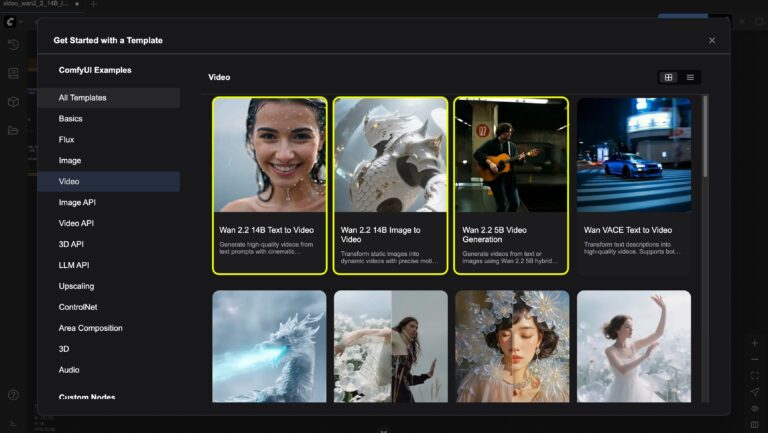
In the fast-evolving world of ComfyUI latest updates, ComfyUI news, and ComfyUI new features, the past 12 hours have delivered exciting ecosystem momentum. While core ComfyUI releases remained quiet, the community and third-party integrations are pushing boundaries with agentic automation, innovative custom nodes, and stunning video/image workflows powered by models like Wan, Flux, and Kling. Whether you’re exploring ComfyUI custom nodes, optimizing ComfyUI Manager setups, or diving into advanced media generation, these developments highlight why ComfyUI remains the most flexible open-source platform for AI creators in 2026.
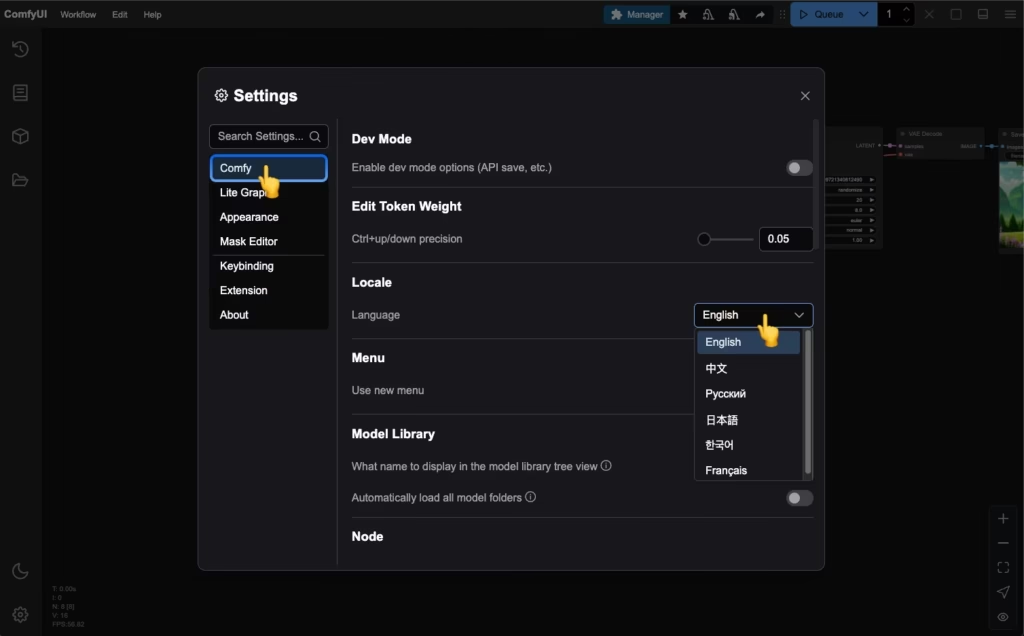
ComfyUI Interface Overview – ComfyUI
Hermes Agent Now Powers ComfyUI: Revolutionary AI Agent Integration for Workflow Automation
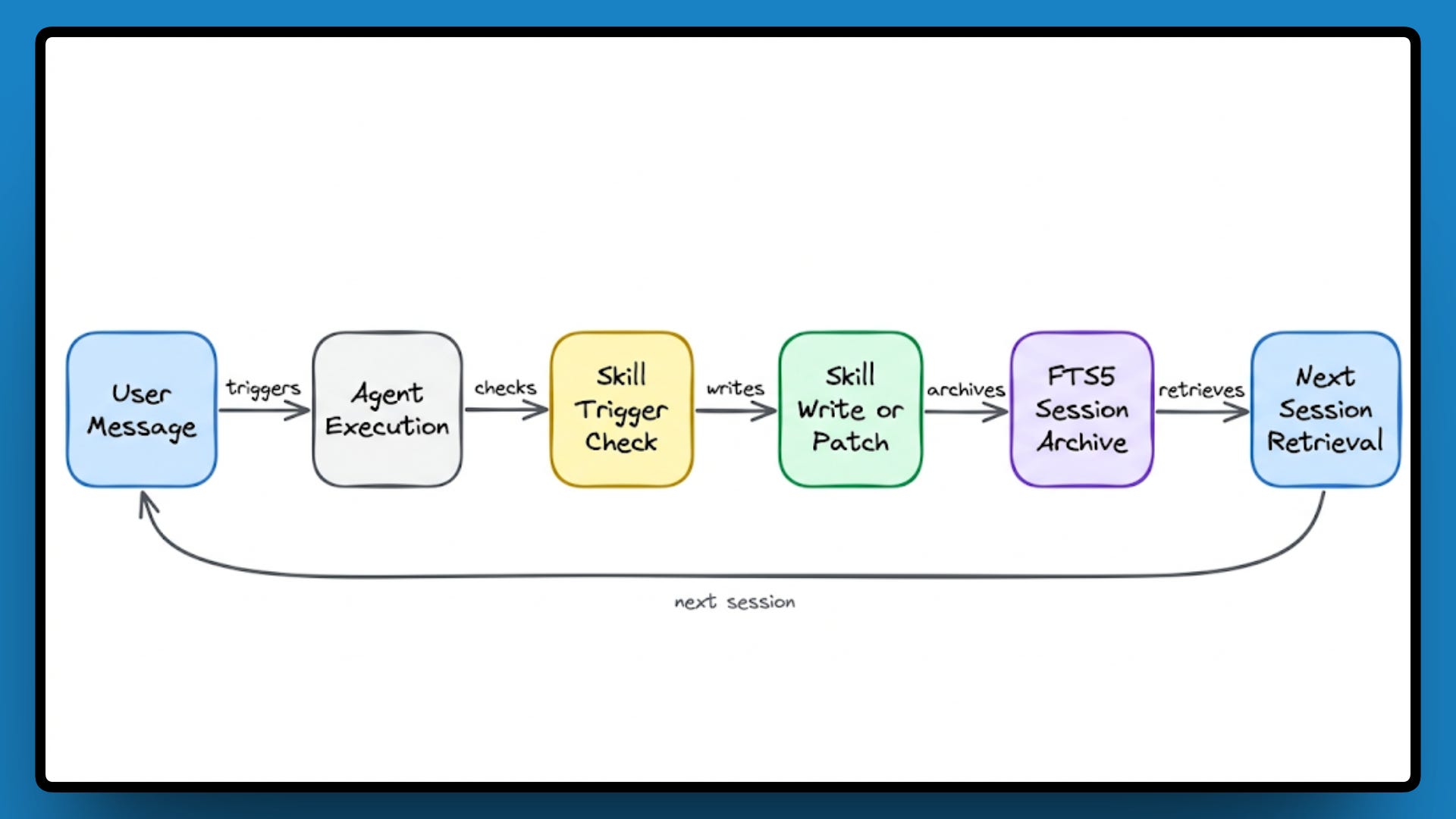
The standout ComfyUI latest updates story today comes from Nous Research. Their Hermes Agent can now install, launch, manage, and execute sophisticated ComfyUI workflows on demand. This integration transforms ComfyUI from a powerful node-based tool into an agent-controllable powerhouse—perfect for automated pipelines, iterative generation, and hands-free creative sessions.
Key highlights include:
- Seamless installation and launch of ComfyUI instances via natural language commands.
- Full workflow management, including running complex custom node chains.
- Support for both local and cloud ComfyUI deployments.
- Massive ecosystem leverage: users can now direct agents to handle everything from Flux.2 image gen to Wan 2.2 video pipelines without manual intervention.
This ComfyUI new features breakthrough makes advanced AI media generation accessible to non-technical users and scales professional workflows dramatically. Early community reactions on X describe it as “the greatest feature yet” and a “big step forward for practical agent use in creative workflows.”

Sources: Nous Research X Announcement and follow-up posts from @Teknium and the ComfyUI community.
Emerging Custom Node: On-Screen Drawing Tool with Built-in AI Ask Mode
ComfyUI custom nodes continue to shine as a core strength. In the past 12 hours, developer @skbulous shared progress on a new open-source custom node that functions like an on-screen drawing tool with an “AI Ask” mode. Drawings are embedded directly into the workflow JSON, surviving export/import cycles intact.
This node promises tighter creative control for artists and motion designers working in ComfyUI. Early demos show real-time sketching influencing generation parameters—ideal for iterative refinement in Flux or Wan pipelines. Community excitement is high, with users already brainstorming integrations for character consistency and prompt relay workflows discussed on Reddit.
![AI Illustration] Introduction of Recommended Custom Nodes for ComfyUI | AI Illustration Blog DCAI](https://dca.data-hub-center.com/content/uploads/2024/08/comfyui-advanced-controlnet-sample-workflow-en.jpg)
Sources: X post by @skbulous and related Reddit discussions in r/comfyui.
Wan 2.2, Flux.2 & Kling Dominate Community Workflows: Performance Tips, Video Tools & Stunning Examples
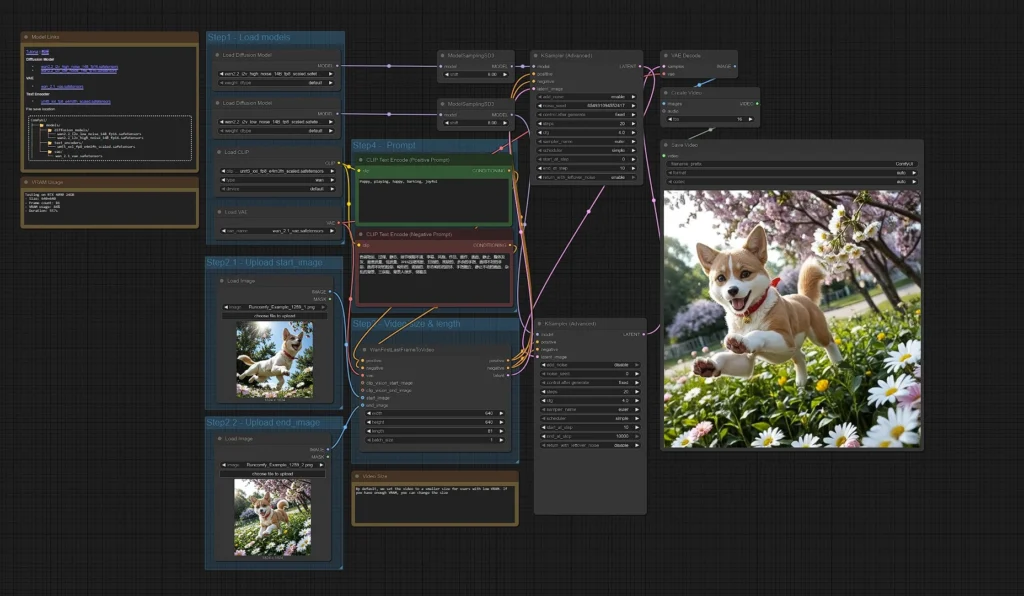
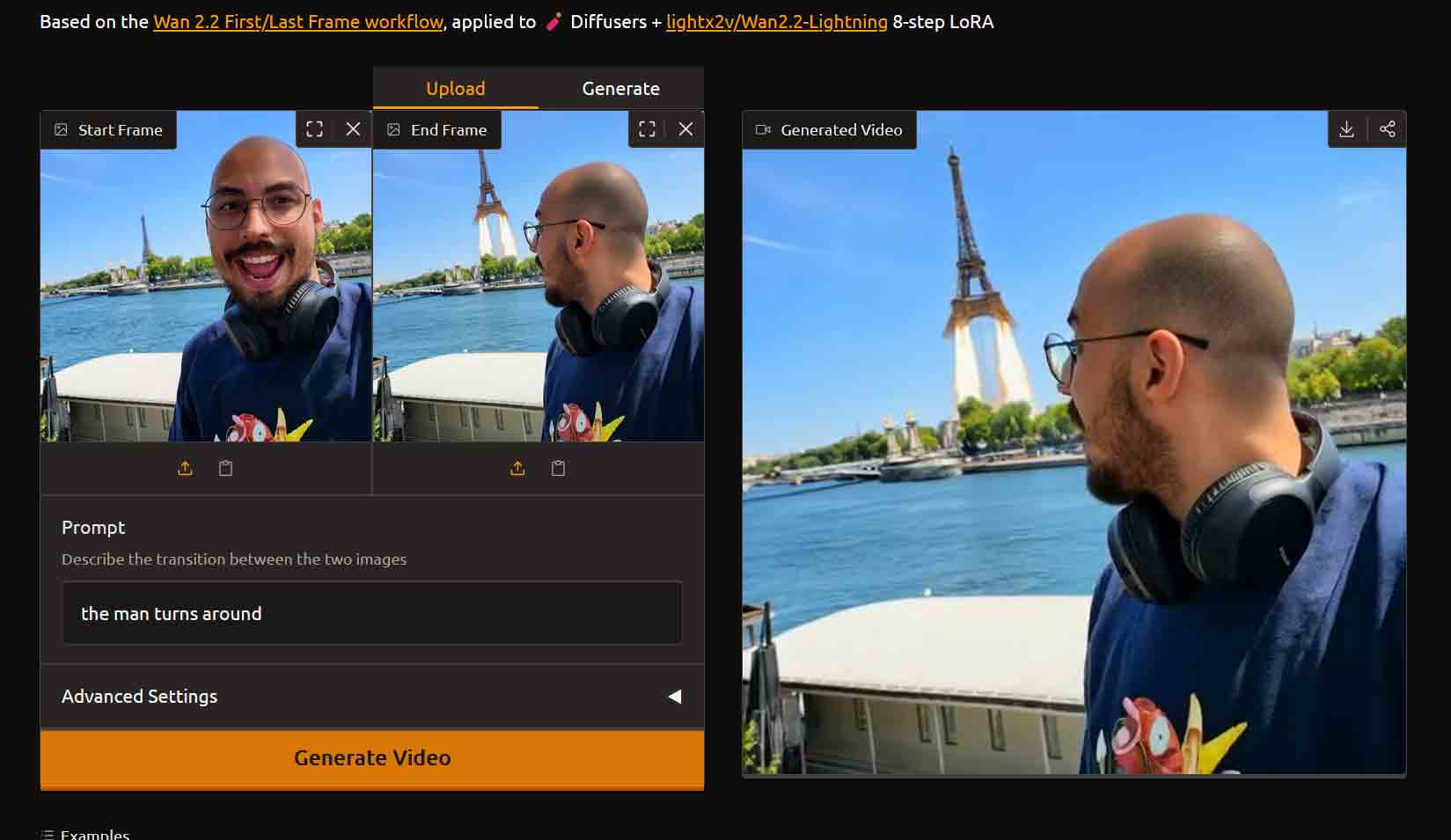
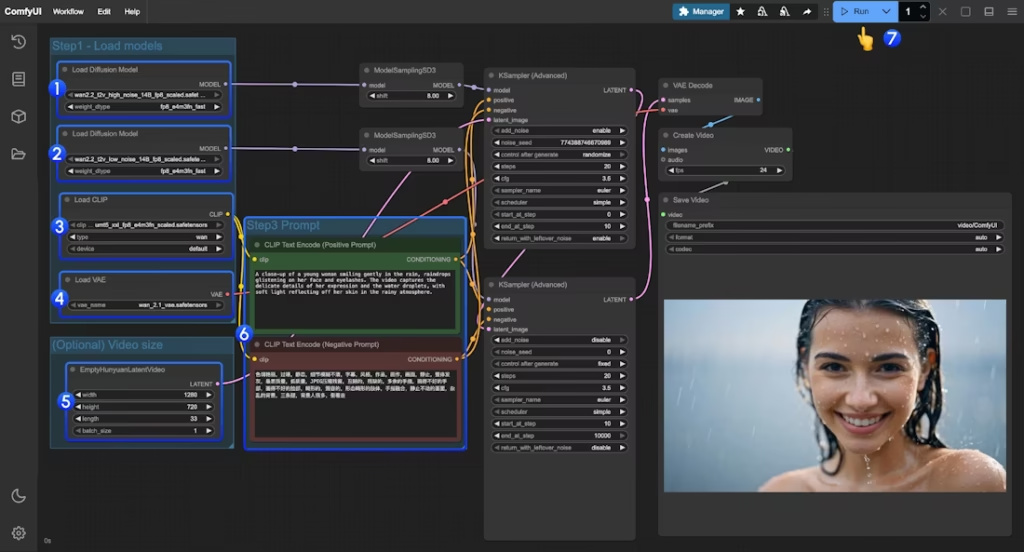
ComfyUI users remain laser-focused on cutting-edge models. Multiple posts highlight optimized Wan 2.2 video generation (including First/Last Frame techniques), Flux.2 image workflows, and hybrid Kling 3.0 pipelines. A notable share: a 30-second Jordan Brand spec commercial built with Midjourney, NanoBanana, ComfyUI (Wan 2.2), Kling 3.0, and After Effects.
Key community insights from the past 12 hours:
- Wan 2.2 performance: Users on 12GB GPUs (e.g., RTX 4070 Super) report ~35s/it at 480p/6 steps; optimizations like GGUF + low VRAM flags are actively discussed.
- New video control tool: “The Halleen Machine” offers timeline/asset management for SDXL-to-Wan 2.2 pipelines—open-source and expanding.
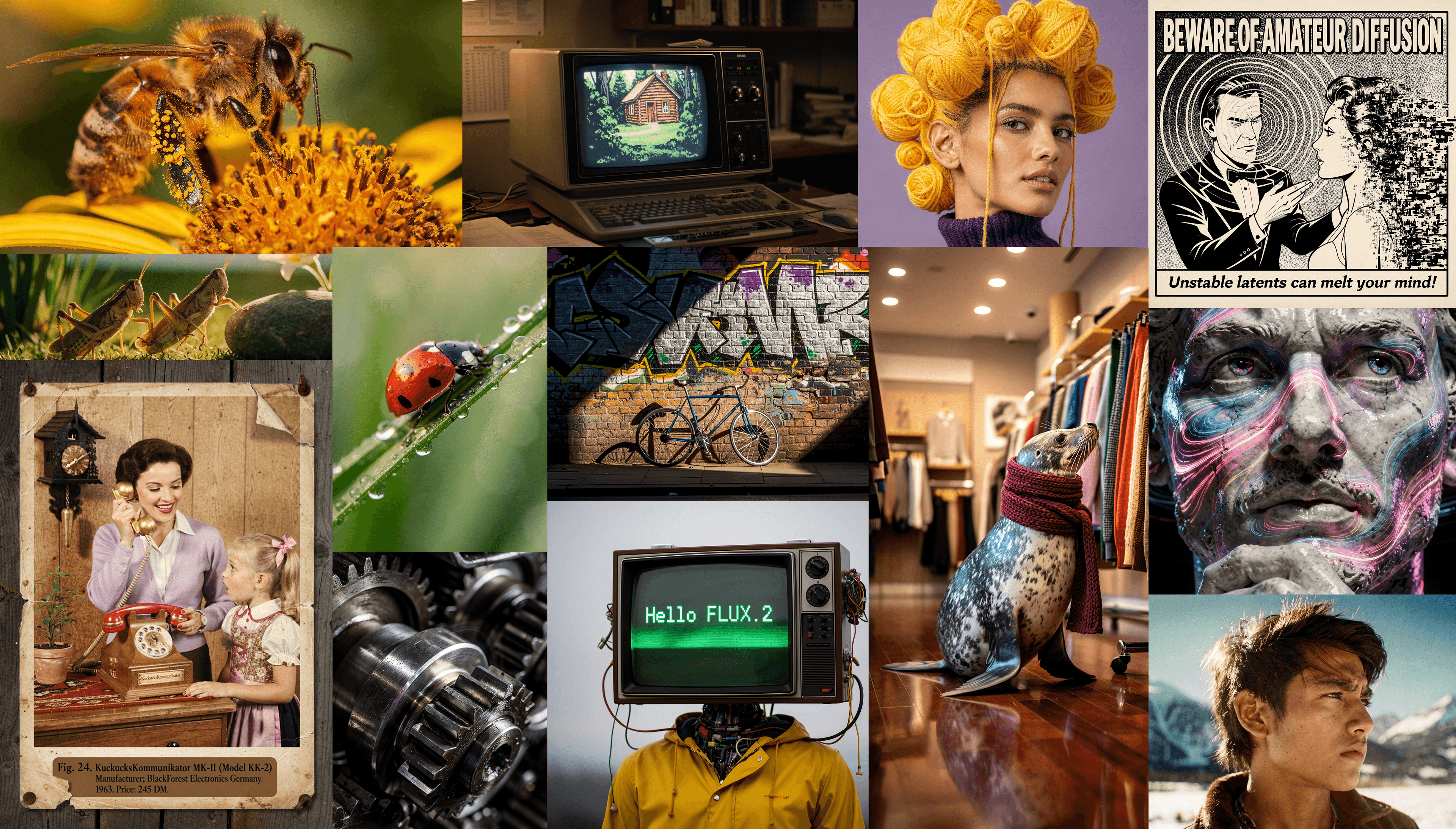
- Flux.2 examples: Local generations showcase photorealistic and stylized outputs, with users sharing prompts and LoRA setups.
- LTX 2.3 & consistency: Ongoing troubleshooting for artifacts and character/face consistency in video chains.
These ComfyUI updates demonstrate the platform’s strength in real-time experimentation with the latest models.

Sources: r/comfyui new posts (e.g., Wan speed queries, Halleen Machine announcement) and X examples from @TapiaMotion and @llmgram.
Active r/comfyui Discussions: Troubleshooting, Prompts & Beginner Workflows
Reddit’s r/comfyui remains a vibrant hub. In the past 12 hours users reported LTX2.3 artifacts, missing thumbnails after imports, model memory issues post-update, and prompt datasets for GPT Image 2 / NanoBanana. Beginners sought video-style replication tips, while others shared 1,446 trending AI prompts optimized for ComfyUI. These threads keep the ecosystem alive and help refine ComfyUI Manager usage and custom node stability.
Sources: Latest r/comfyui “new” posts (April 29, 2026).
ComfyUI Manager & Core Stability Notes
No new ComfyUI Manager release appeared in the past 12 hours, but the ecosystem benefits from the v4.2.1 integration (bumped in the prior v0.20.1 core update). Users continue leveraging it for easy custom node management alongside Hermes Agent automation.
Sources: Official Comfy-Org/ComfyUI GitHub (most recent v0.20.1 context).
The ComfyUI community is thriving with agentic tools, custom innovations, and high-impact model workflows driving ComfyUI latest updates forward. Stay tuned for more ComfyUI news as these developments mature.
The images used in this article are sourced from publicly available channels on the internet. They are used solely for the purposes of news commentary, visual illustration, and explanatory reference, and do not constitute commercial use. The author of this article does not own the copyright to these images and makes no claim to any rights over them. If any copyright issues arise regarding these images, please contact the article’s author, and we will promptly address the matter or remove the relevant content.