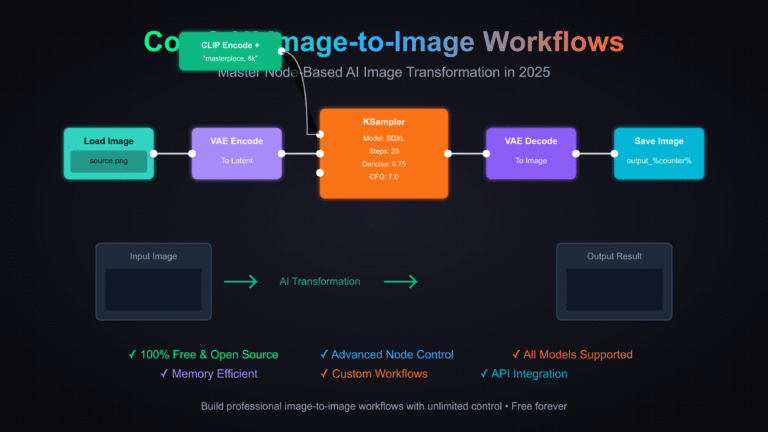
ComfyUI latest updates continue to drive innovation in node-based AI image and video generation. As of May 1, 2026, the ComfyUI community remains vibrant even during a relatively quiet 12-hour window for major releases. This ComfyUI news roundup highlights ComfyUI new features in core development, emerging ComfyUI custom nodes, ongoing support for advanced models like Flux, Wan, and Z-Image Omni, plus practical workflow optimizations. Whether you’re exploring ComfyUI updates for Flux workflows or hunting the latest ComfyUI Manager enhancements, this detailed overview keeps you informed.
1. Core ComfyUI Refinement: Multiline Models Array Merged into Main Branch
The highest-impact ComfyUI update today is a small but significant core contribution to the official repository. Pull Request #13513, titled “Reformat models variable into multiline array (CORE-59),” was merged on May 1, 2026. Authored by Talmaj and approved by core contributor Alexis Rolland (who celebrated it as his first merged PR in the ComfyUI core repo), this change refactors the models variable in comfy/supported_models.py.
Key changes:
- Consolidated single-line list assignment + extension into a clean, multiline array literal.
- Preserved exact model order (important for loading dependencies like SDXL, Chroma, Qwen-Image, and Z-Image Turbo).
- Improved code readability, reduced future git diff noise, and enabled smoother auto-rebase operations.
- No functional changes to model loading — purely a maintainability win for future ComfyUI new features and model support expansions.
This subtle ComfyUI core update signals healthy ongoing development and makes it easier for contributors to extend supported models. Perfect for anyone tracking ComfyUI latest updates in 2026.
Source: GitHub PR #13513
2. Z-Image Omni Node Integration Buzz in ComfyUI Workflows
Community excitement is building around the Z-Image Omni node now appearing natively in ComfyUI. While the official base model remains listed as “To be released” by developers, users report the node is already live, promising unified text-to-image generation and advanced image editing in a single workflow.
Key features highlighted:
- Direct image creation from text prompts.
- In-node advanced editing capabilities.
- Elimination of switching between separate generation and editing models.
This represents a major step toward streamlined ComfyUI custom nodes for professional pipelines. Early discussions note it “changes your entire workflow” and sets the stage for broader multimodal support.
Z-Image ComfyUI Workflow: Complete Custom Nodes Guide | Z Image Tutorial | Z Image
Source: Community discussions on X (April 30–May 1, 2026) and related Reddit threads in r/comfyui.
3. Wan 2.2 Model Optimization and High-Resolution Workflows
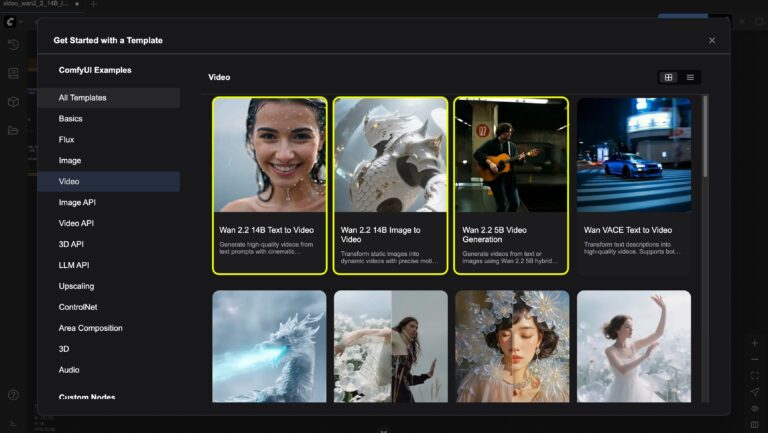
ComfyUI new features around video and high-res image generation continue with strong Wan 2.2 adoption. Users are sharing impressive 4K+ workflows and native video generation examples, leveraging ComfyUI’s flexible node system for massive resolutions (up to 4856×3328).
Key highlights:
- Official native Wan2.2 workflows for video generation.
- Memory-efficient high-resolution image pipelines.
- Seamless integration with existing Flux and SDXL loaders.
These ComfyUI updates make Wan models more accessible than ever for creators demanding cinematic results.


Source: Official ComfyUI documentation examples and community X posts showcasing Wan2.2 outputs.
4. Agentic ComfyUI: Hermes Agent and Copilot Frameworks
A growing trend in ComfyUI latest updates is agent-native interfaces. Tools like Hermes Agent now orchestrate complex ComfyUI workflows automatically — describe your desired result in plain language, and the agent builds the full pipeline.
New capabilities:
- Prompt-to-pipeline generation.
- Iterative refinement without manual node wiring.
- Deep integration with DeepSeek-V3, GPT-4o, and custom toolkits.
This transforms ComfyUI custom nodes from powerful but complex into truly accessible for non-coders.

How ComfyUI-R1 & ComfyUI Transform Unstructured Input into Structured Workflows
Source: Recent X discussions on agent orchestration (April 30, 2026).
5. ComfyUI Manager and Custom Nodes: Stability and Discoverability
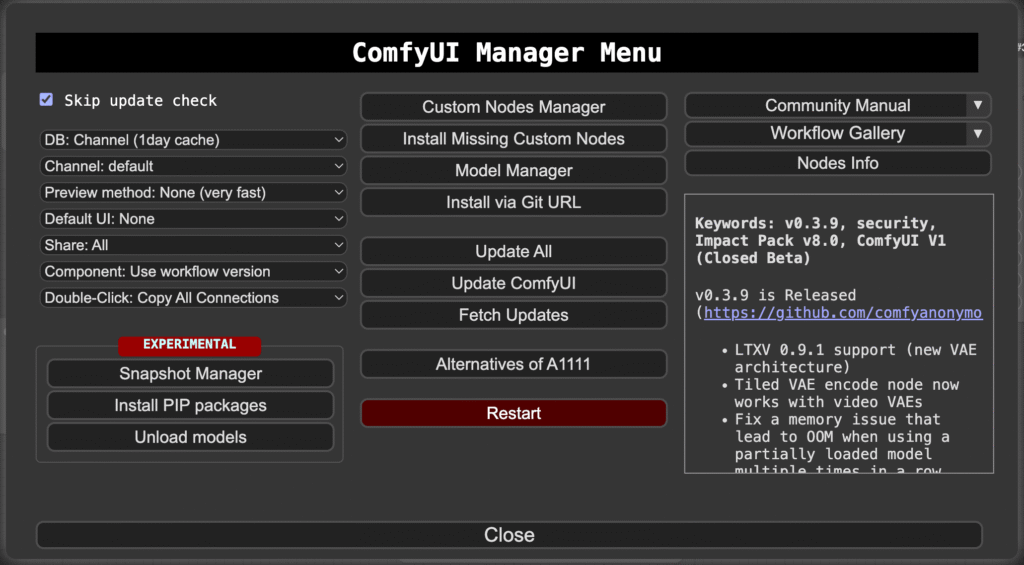
No new ComfyUI Manager releases in the past 12 hours, but community posts continue praising its reliability for installing missing nodes and handling dependencies. Recent Reddit threads discuss best practices for avoiding crashes after updates and analyzing dependencies before custom node installation.
Pro tips from the community:
- Use “Install Missing Custom Nodes” for one-click workflow compatibility.
- Enable snapshot manager for experimental safety.
- Regular “Update All” keeps Flux, Wan, and emerging nodes current.
A Guide to ComfyUI Custom Nodes
Source: r/comfyui discussions and official Manager GitHub.
6. Community Creations and Workflow Inspiration
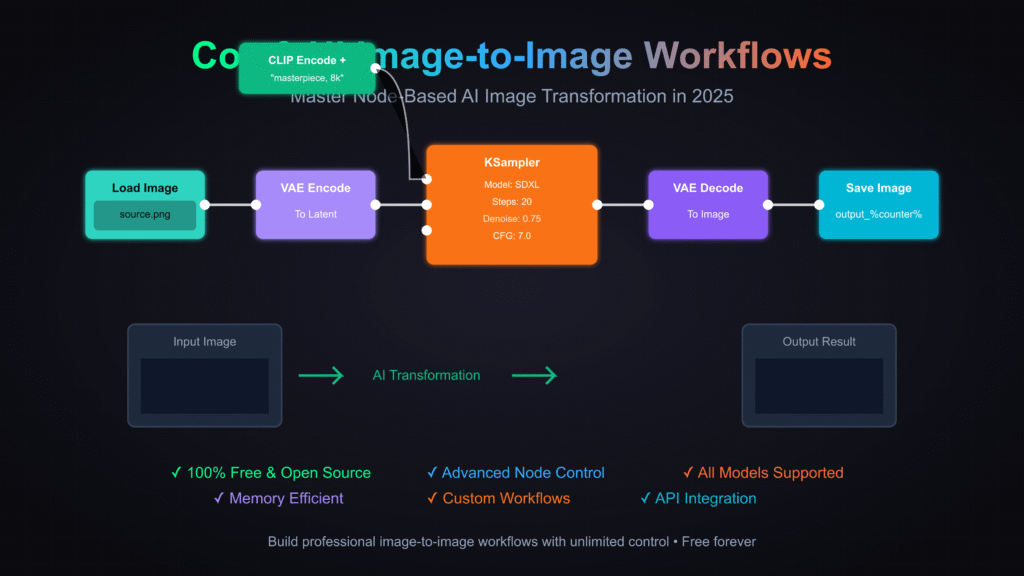
Even on a lighter update day, creators are delivering stunning work. From concept art matte paintings to hyper-detailed AI portraits, ComfyUI workflows remain the go-to for professional-grade output.
Users also shared practical tips for running ComfyUI on Colab and AMD ROCm setups, expanding accessibility across hardware.
Looking Ahead: What’s Next for ComfyUI in 2026?
While the past 12 hours brought focused core refinements rather than blockbuster releases, the momentum around ComfyUI updates, ComfyUI new features, and ComfyUI custom nodes is unmistakable. The Z-Image Omni rollout, Wan 2.2 optimizations, and agentic workflows point to an exciting future of more intuitive, powerful, and scalable AI generation.
Stay tuned for the next wave of ComfyUI news — whether it’s full Z-Image Omni model drops, expanded Flux support, or fresh ComfyUI Manager enhancements. The node-based revolution continues.