ComfyUI latest updates continue to push the boundaries of node-based AI workflows in 2026. Whether you’re tracking ComfyUI new features, exploring ComfyUI custom nodes, or staying current with ComfyUI updates for advanced model support like Flux, these real-time developments from the official Comfy-Org repository deliver immediate value for creators, developers, and researchers. In the past 12 hours, active commits have introduced groundbreaking partner node integrations, enhanced latent previews, and performance tweaks—perfect for optimizing your ComfyUI workflows and ComfyUI Manager experience.
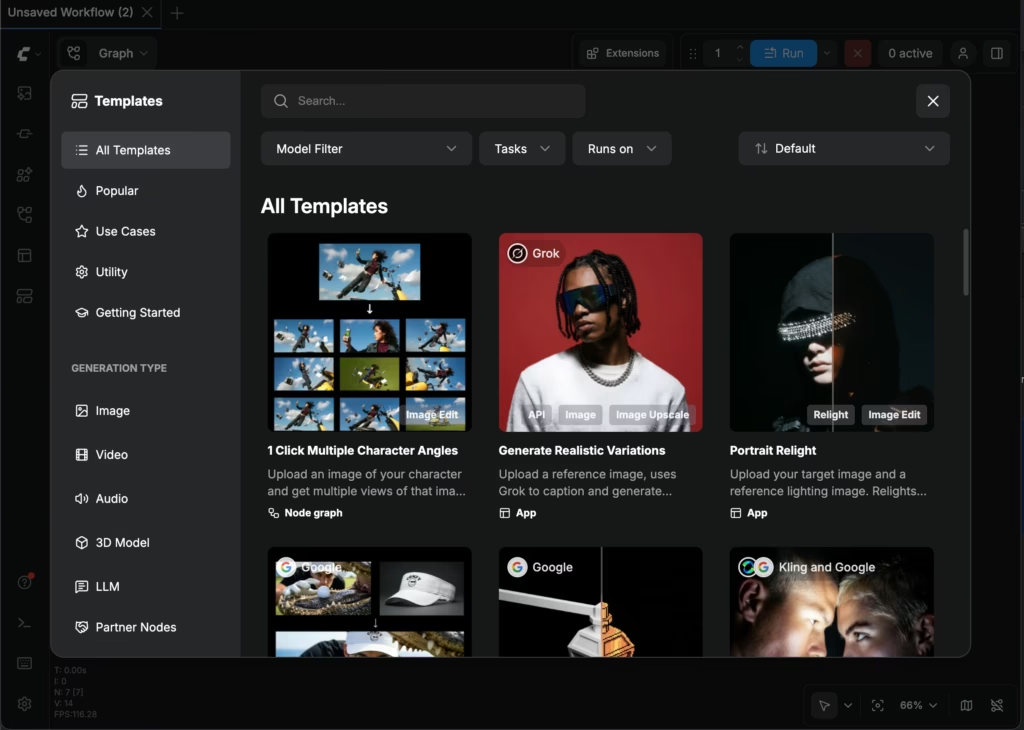
Templates – ComfyUI Built-in Workflow Templates – ComfyUI
This comprehensive roundup of ComfyUI news sorts the highest-impact changes first, with clear details, key improvements, and visual examples sourced from public channels. Dive into how these ComfyUI updates 2026 elevate your local diffusion pipelines.
1. ByteDance Virtual Portrait Library Partner Node: Revolutionary ComfyUI Custom Nodes Integration (Highest Impact)
The most recent and highest-impact ComfyUI latest updates come from a commit just minutes ago, adding official partner node support for ByteDance’s Seedance virtual portrait library. This new functionality transforms how regular images are handled in ComfyUI, enabling seamless uploads to a persistent, customer-specific virtual library with built-in deduplication.
Key changes and new features:
- New nodes and API layer: Added comfy_api_nodes/apis/bytedance.py and comfy_api_nodes/nodes_bytedance.py with SeedanceVirtualLibraryCreateAssetRequest Pydantic model.
- Smart asset management: Images are hashed via SHA-256 (based on shape and pixel data) for deduplication—re-uploading identical assets instantly returns the existing asset://<id> URI.
- Workflow integration: Automatic replacement of direct uploads for first/last frames and reference images. Supports public URL generation via upload_image_to_comfyapi followed by proxy POST to /proxy/seedance/virtual-library/assets.
- Waiting logic: Built-in _wait_for_asset_active ensures assets are ready before returning stable references.
This ComfyUI custom nodes enhancement is a game-changer for portrait-consistent video generation, character workflows, and multi-session reuse with ByteDance models. Users can now maintain a clean virtual library without redundant uploads, reducing latency and storage overhead in production pipelines.

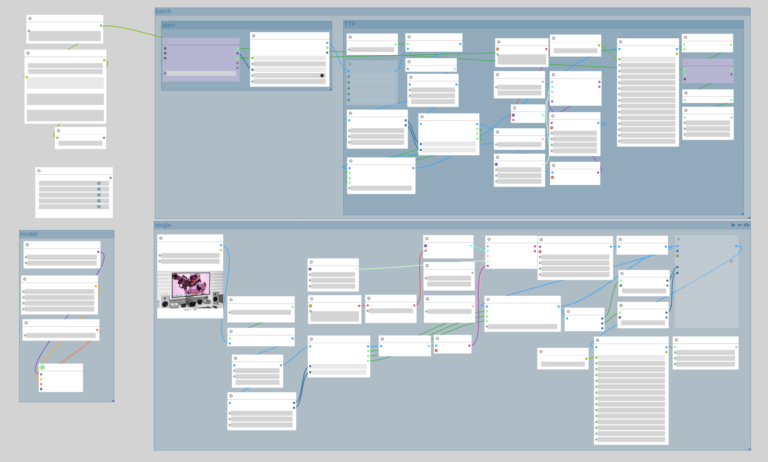
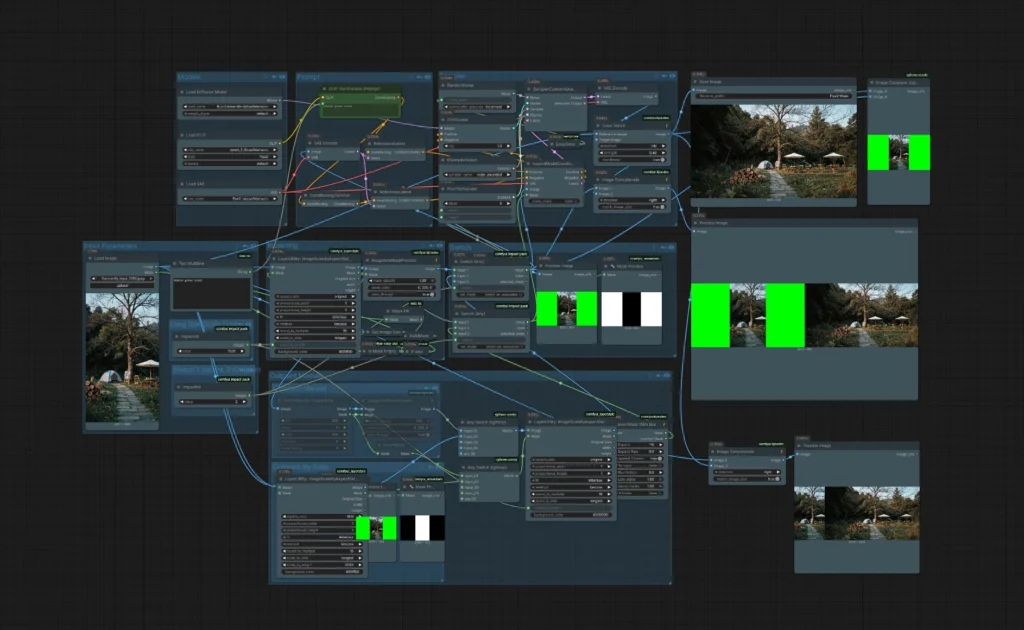
How to build custom nodes workflow with ComfyUI on Amazon EKS | AWS Architecture Blog
Full source: Comfy-Org/ComfyUI commit b633244.
2. High-Quality Preview Support for Flux2 Latents: Major Boost for ComfyUI Flux Workflows
Trailing closely in impact, a commit from approximately 19 hours ago delivers native high-quality preview support for Flux2 latents—the latest evolution in the Flux family. This ComfyUI new features update resolves previous visualization limitations and makes Flux2 workflows smoother and more accurate than ever.
Key changes and new features:
- TAEF2 decoder integration: Added specialized EncoderFlux2 and DecoderFlux2 classes in comfy/taesd/taesd.py to handle 128-channel Flux2 latents (reshaping between 32-channel intermediate and native formats).
- VAE loader enhancements: Updated comfy/sd.py and nodes.py logic to detect taef2 models via metadata (“tae_latent_channels”: 128), with fallback to weight inspection.
- Robust latent handling: Conditional logic in VAELoader ensures proper encoding/decoding, strict parameter validation (use_gn=True), and metadata-driven channel detection.
- Preview fidelity: Enables pixel-perfect latent previews directly in the ComfyUI interface for Flux2 [dev] and related variants.
Flux users will notice dramatically improved latent visualization, faster iteration on edits, and better compatibility with Flux2-specific models. This directly addresses long-standing requests in the ComfyUI community for premium preview quality.
Full source: Comfy-Org/ComfyUI commit a164c82.
3. Lower Peak Memory Usage for 8-Bit Formats with pyav: Performance Optimization in ComfyUI Updates
Continuing the momentum, another commit (~16 hours ago) optimizes video frame processing for 8-bit formats, slashing peak memory consumption—a critical win for users running large-scale or resource-constrained ComfyUI workflows.
Key changes and new features:
- Dynamic format selection: Automatically chooses image_format and process_image_format based on input (e.g., yuvj420p, rgb24, rgba, pal8).
- Efficient 8-bit handling: For standard 8-bit formats, converts frames to float only by dividing by 255.0 instead of full 32-bit promotion, significantly reducing memory spikes.
- Alpha channel support: Correct rgba/gbrapf32le handling preserves transparency without unnecessary overhead.
- pyav integration: Leverages the updated logic in video loading pipelines for lower overall VRAM/RAM usage during encode/decode cycles.
This ComfyUI updates improvement is especially valuable for video generation, batch processing, and 8-bit model workflows, allowing longer sequences or higher resolutions on the same hardware.

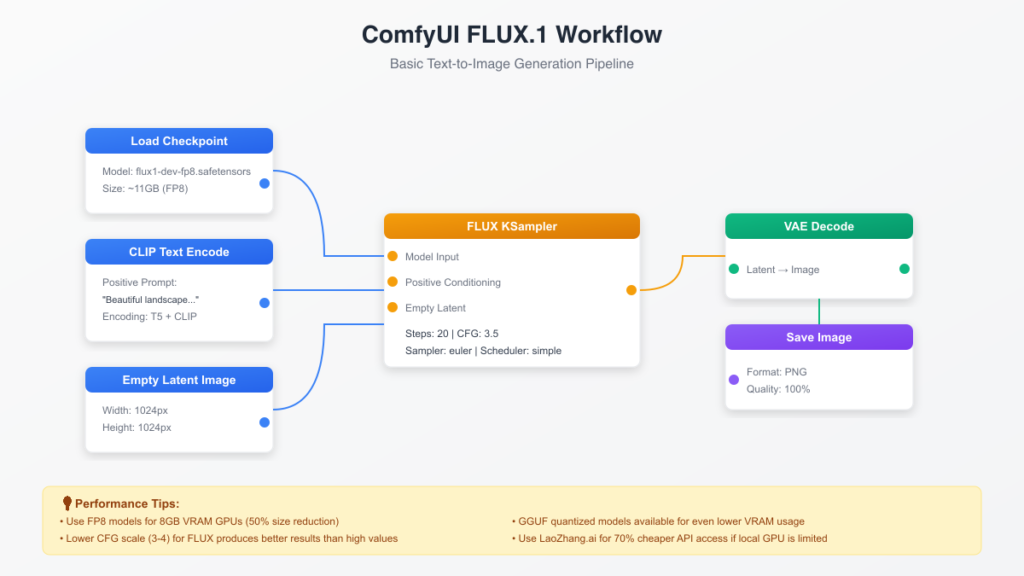
Flux.2 Dev (GGUF/FP8/BF16) in ComfyUI
Full source: Comfy-Org/ComfyUI commit d10fc2d.
Additional ComfyUI News: Manager UI, Custom Nodes Discussions & Ongoing Model Support
While the past 12 hours focused on core repository commits, community ComfyUI news on Reddit highlights continued adoption of the officially integrated ComfyUI-Manager. Users report smoother custom node discovery, one-click missing node installation, and preview capabilities before install—features now baked directly into the ComfyUI frontend.
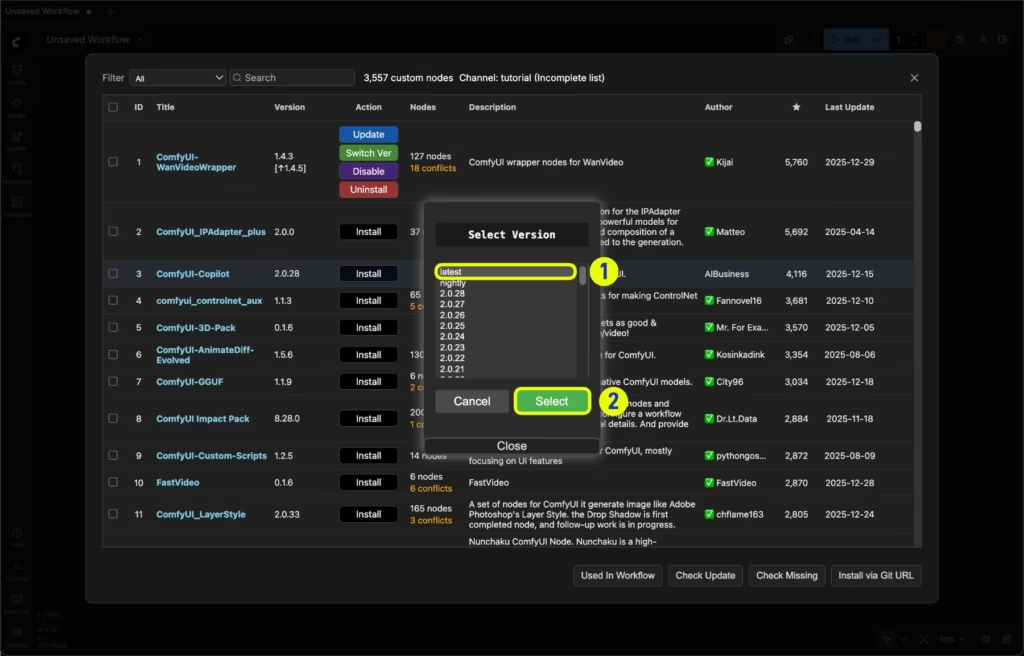
Managing custom nodes with ComfyUI-Manager (legacy UI) – ComfyUI
Discussions also reference the official node replacement system (introduced earlier) that prevents workflow breakage when evolving ComfyUI custom nodes—a must-have for long-term stability. No new major model announcements for Wan, ERNIE, or Kling appeared in the last 12 hours, but Flux2 enhancements and ByteDance integration keep ComfyUI at the forefront of frontier video and portrait tools.
Recent community workflows demonstrate these updates in action, from Flux editing pipelines to partner node templates.
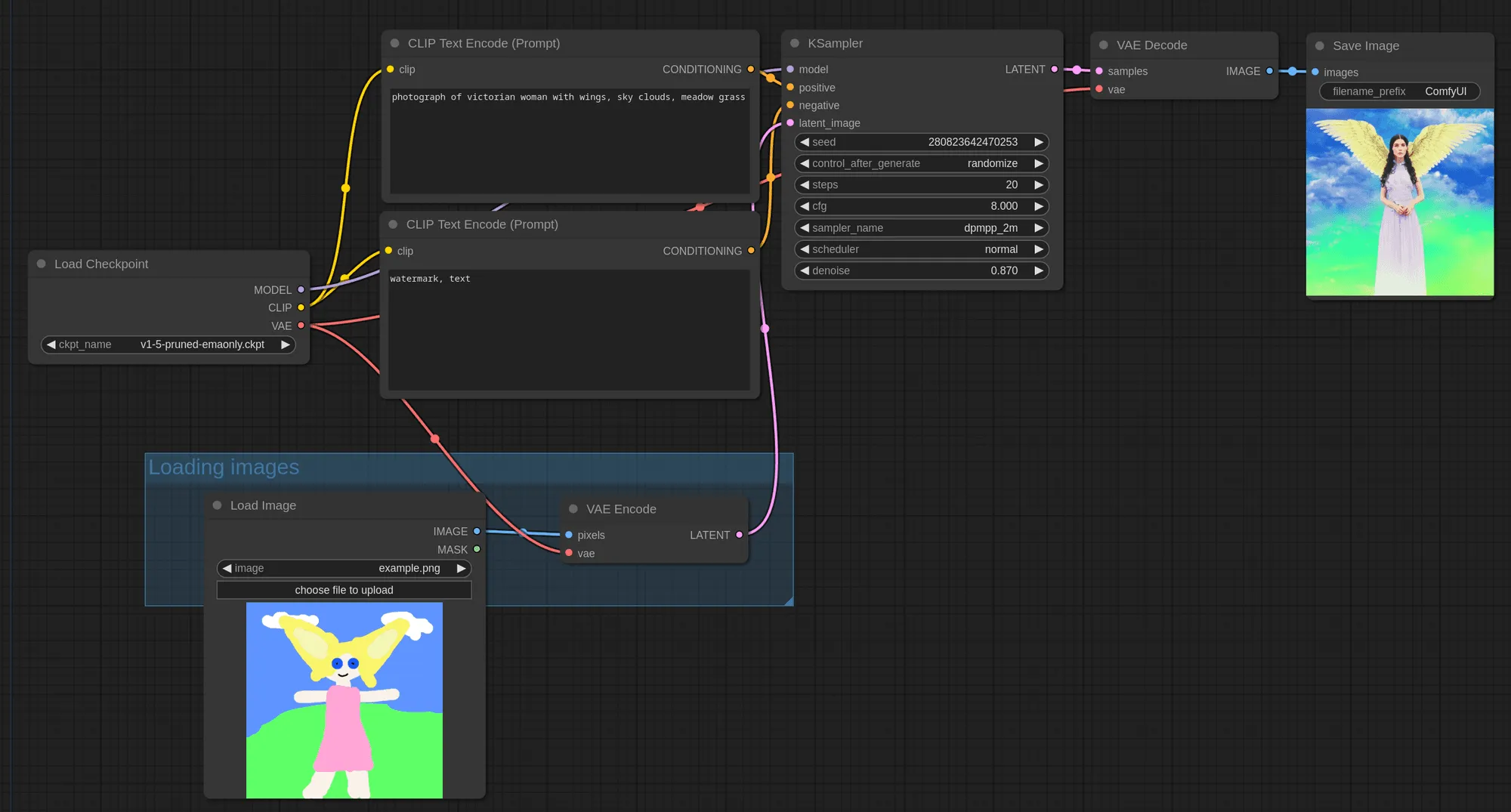
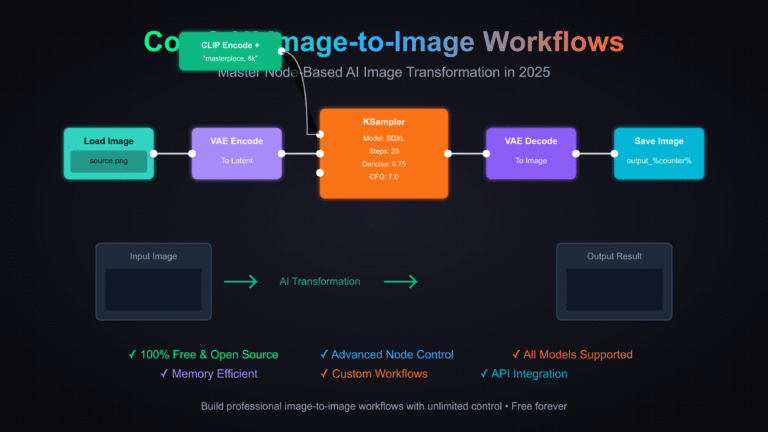
Craft generative AI workflows with ComfyUI – Replicate
Related sources: r/comfyui discussions and ComfyUI-Manager docs.
Why These ComfyUI Latest Updates Matter in 2026
These ComfyUI updates 2026 underscore the project’s commitment to modularity, performance, and ecosystem partnerships. The ByteDance integration opens new doors for production-grade portrait consistency, Flux2 previews make advanced latent work intuitive, and memory optimizations ensure ComfyUI remains accessible on consumer hardware.
Whether you’re a beginner exploring ComfyUI new features or a power user building complex ComfyUI custom nodes pipelines, these changes deliver immediate productivity gains. Keep your installation updated via the built-in manager for seamless access.
The images used in this article are sourced from publicly available channels on the internet. They are used solely for the purposes of news commentary, visual illustration, and explanatory reference, and do not constitute commercial use. The author of this article does not own the copyright to these images and makes no claim to any rights over them. If any copyright issues arise regarding these images, please contact the article’s author, and we will promptly address the matter or remove the relevant content.