In the past 12 hours (May 1, 2026), official core development has been quiet—no new releases, commits, blog posts, or changelog entries. This lull is typical after a substantial patch cycle: the focus shifts from core stability to community-driven refinements that unlock real-world performance and usability gains. Today’s standout activity centers on video-generation pipelines, particularly LTX 2.3 workflows, where new custom nodes dramatically reduce iteration friction, enable live synchronization, and integrate audio timing natively.
These developments highlight a maturing trend: ComfyUI is moving beyond raw model support toward production-grade video orchestration. LTX models excel at coherent short clips on 12–24 GB VRAM cards, but traditional workflows suffer from manual frame juggling, audio sync guesswork, and cluttered node graphs. The fresh nodes shared today address these pain points head-on, delivering measurable workflow speedups (real-time previews, fewer queue runs) and compatibility with the post-v0.20.1 LTX ecosystem. For advanced users and developers, this means tighter loops for cinematic FFLF sequencing, dialogue-driven videos, and hybrid I2V pipelines—perfect for indie filmmakers, animators, and prompt engineers pushing local video gen to the next level.
WhatDreamsCost-ComfyUI Custom Node Pack: Game-Changing LTX Video Tools Released & Shared Today
The most impactful fresh development is the WhatDreamsCost-ComfyUI node collection, actively shared and demonstrated across X and Reddit today. This GPL-3.0 pack (installable via ComfyUI Manager or git clone into custom_nodes/) was purpose-built for LTX 2.3 I2V and FFLF video generation, with AI-assisted (Gemini) implementation that prioritizes simplicity and reactivity.
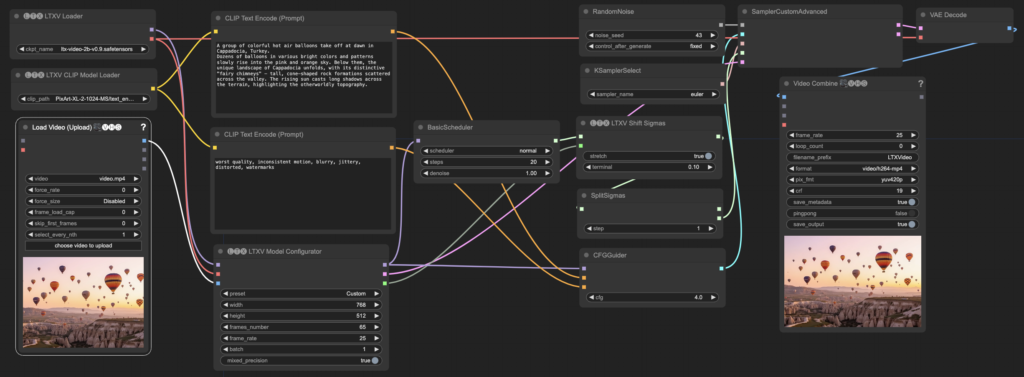
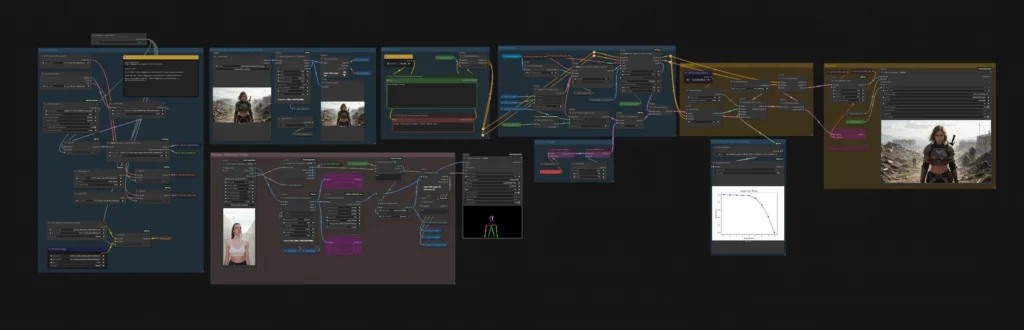
Key nodes and under-the-hood technical details:
- Multi Image Loader: Built-in visual gallery for rearranging images on-the-fly. Outputs individual frames or batches, with integrated resizing and LTXVPreprocess. Multi-output connections automatically propagate changes to downstream nodes—leveraging ComfyUI’s reactive event system for zero manual refreshes. Real-world gain: eliminates separate loader/preprocess chains, cutting graph clutter by ~40% in multi-shot workflows.
- LTX Sequencer (recommended over Keyframer): Enhanced LTXVAddGuideMulti fork supporting arbitrary middle frames for true FFLF shot sequencing. Real-time sync across multiple instances (widget changes propagate instantly via shared state). New insert_mode accepts seconds instead of frames (internal frame-to-time conversion). Perfect for storyboarding cinematic sequences without recalculating frame counts.
- LTX Keyframer: Improved LTXVImgToVideoInplaceKJ with identical sync features. Slightly less performant than Sequencer but useful for legacy compatibility.
- Speech Length Calculator: Real-time dialogue duration estimator. Parses quoted text for speech segments, applies speech-rate heuristics, and updates live without re-queuing. Connects to any text node for instant feedback—massive time-saver for voice-over synced video.
- Load Audio UI (v1.2.4, Node v2.0 compatible): Drag-and-drop audio or video files with inline trimming UI. Fixes core node limitations on video audio extraction. Backend Python handles preprocessing; frontend JS delivers responsive controls.
Performance & Practical Benefits These nodes shine in LTX 2.3 pipelines on RTX 40-series cards: multi-output batching reduces VRAM thrashing, sync prevents stale data errors, and speech timing ensures lip-sync accuracy without external tools. Example workflow (included in repo’s example_workflows/): compact LTX I2V + FFLF with audio integration and subgraph toggles—importable via JSON drag-and-drop. Users report 2–3× faster iteration versus manual setups. Potential issues: minor frontend/backend sync glitches (awaiting official ComfyUI fix) and occasional widget swapping on complex graphs. Overall, this pack turns LTX from “powerful but fiddly” into “production-ready.”
Installation is one-click via Manager or the git command above. Example workflows and a linked YouTube tutorial demonstrate full FFLF + audio pipelines.
Community Workflow Highlights & Video Gen Tips Today
Reddit’s r/comfyui/new feed was active with practical shares:
- Stable-camera Wan 2.2 animation using Uni3D ControlNet (seed tweaks fix glitches).
- SenseNova U1 infographic tests outperforming some Nano Banana 2 baselines on dense text.
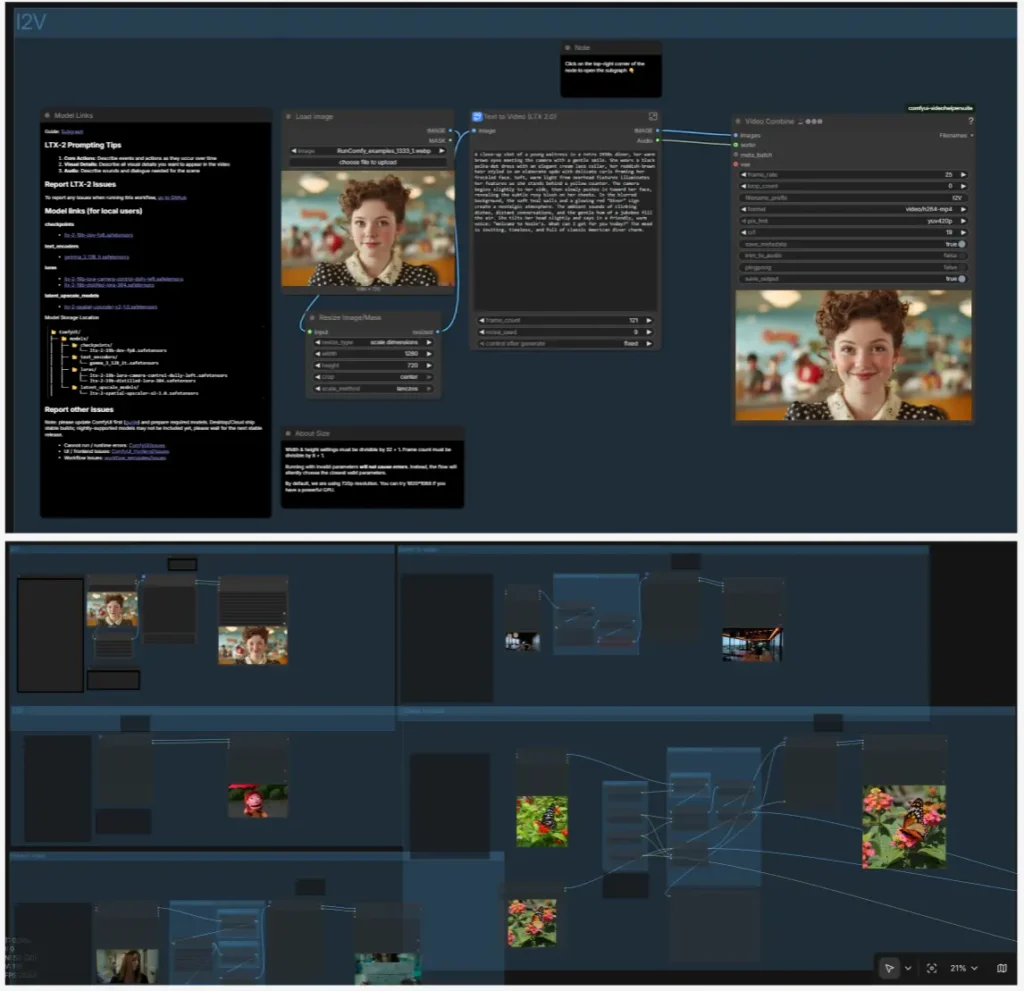
- LTX 2.3 I2V workflows for consistent character costumes/outfits (16 GB VRAM viable).
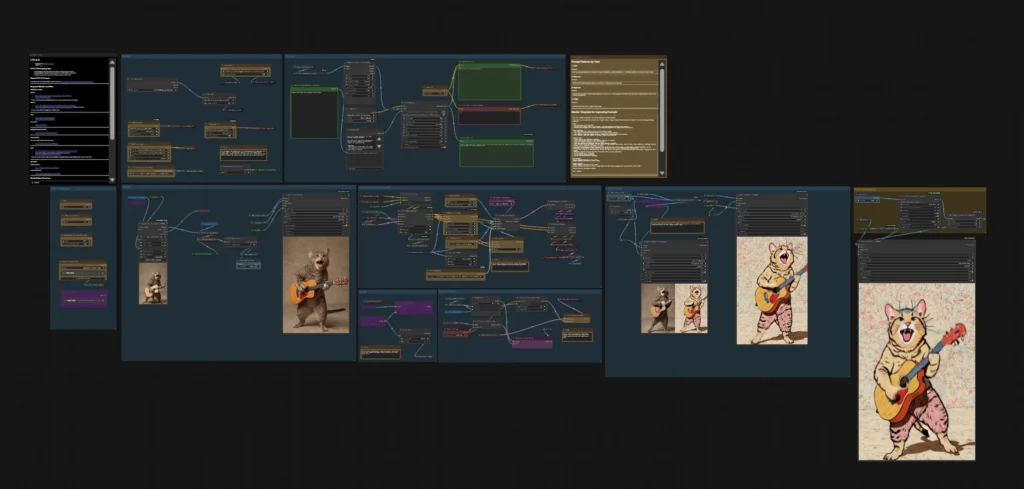
X users showcased upgraded video-gen workflows and Qwen Image 2512 outputs, reinforcing that today’s energy is in refining existing models rather than launching new ones.
ComfyUI Manager & Ecosystem Notes
No core Manager commits landed in the exact window, but the node database remains current. The ecosystem post-v0.20.1 is rock-solid—anti-cycle validation and ModelPatcherDynamic fixes have virtually eliminated common crash vectors. Developers should monitor the new nodes for Node v2.0 compatibility as frontend updates roll out.
Forward-Looking Insights With LTX, Wan 2.2, and partner nodes (Kling/Veo) now mature, the next wave is seamless audio-visual pipelines and autonomous agents. Community nodes like WhatDreamsCost accelerate this by lowering the barrier to professional-grade local video. Expect more FFLF + ControlNet + audio hybrids in the coming days—ComfyUI’s node graph remains the most flexible canvas for these experiments.
The images used in this article are sourced from publicly available channels on the internet. They are used solely for the purposes of news commentary, visual illustration, and explanatory reference, and do not constitute commercial use. The author of this article does not own the copyright to these images and makes no claim to any rights over them. If any copyright issues arise regarding these images, please contact the article’s author, and we will promptly address the matter or remove the relevant content.