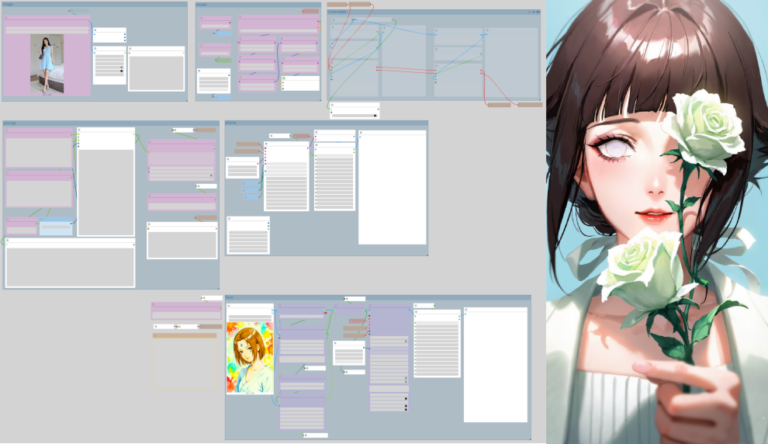
For intermediate ComfyUI users focused on reliable local image and video generation, the past 24 hours brought several targeted updates that slot directly into existing pipelines without requiring major overhauls. Today’s practical highlights center on enhanced LTX 2.3 video support with new LoRAs and the introduction of canvas-style editing nodes that mimic familiar Photoshop-style workflows. These additions emphasize stability, low-VRAM compatibility, and quick iteration — exactly what users need when loading a workflow, making small tweaks, and getting straight to output.
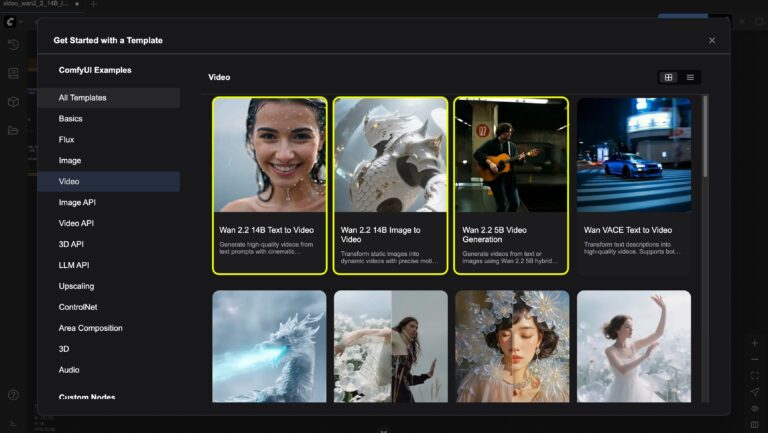
Start with LTX 2.3 video generation in ComfyUI. Recent community-shared workflows now incorporate the EditAnything LoRA (available on Civitai) alongside VBVR variants for improved physics and structural consistency in motion. Simply download the latest LTX 2.3 checkpoint with NVFP4 or FP8 quantization from Hugging Face, drop it into your models/unet folder, and load one of the default video templates in ComfyUI’s Template Browser. Replace the base model node, add the LoRA stack with weights between 0.6-0.9 for subtle control, and connect your prompt through the standard CLIP text encode. For reference audio or first-last frame guidance, enable the ID-LoRA functionality introduced in recent ComfyUI updates — it handles lip-sync and motion coherence without extra custom nodes in most cases. Users running on 16-24GB VRAM setups report clean 1080p outputs at reasonable speeds after enabling the new memory optimizations. If your prompt involves dynamic scenes, prepend style descriptors like “photorealistic motion blur, natural physics” and test with 25-35 steps; small adjustments to the CFG scale (around 3.5-4.5) usually resolve any flickering.
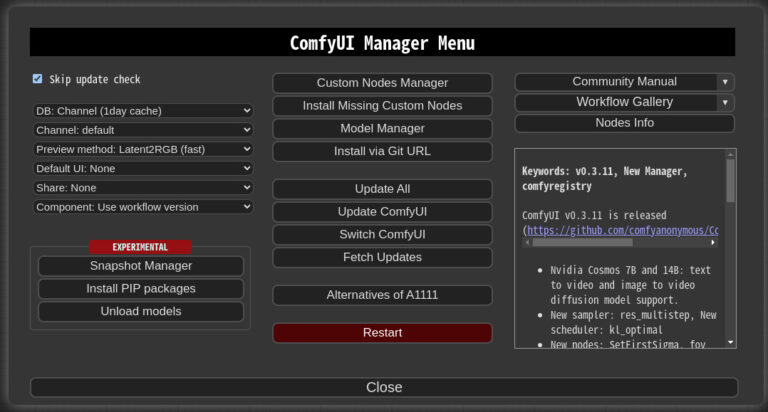
Complementing this, the Comfy-Canvas extension brings layered, non-destructive editing directly inside the ComfyUI interface. Install via the ComfyUI Manager (search for “Comfy-Canvas”), restart, and you’ll find new nodes for brush tools, mask blending, and persistent prompt layers. Load any image or video frame into the canvas node, paint masks or refinements in real time, then route the output back into your main generation or upscaling chain. It supports blend modes and stacking, making it ideal for iterative character consistency or fixing small artifacts in LTX outputs. Pair it with the MSXYZ GenAI anti-aliasing nodes (TAA + DLAA-inspired) for temporal stabilization — just insert them after your video sampler to eliminate ghosting on edges during motion. No NVIDIA SDK required; everything runs locally on standard CUDA setups.
LoRA management also got a quiet upgrade with the latest ComfyUI-Lora-Manager release (v1.0.5 as of April 16-17). The extension now better organizes previews, metadata, and workflow embedding for multiple LoRAs. For consistent character workflows, load your trained Flux or LTX LoRAs, use region masking to apply style or pose LoRAs selectively, and combine with the new Qwen3.5 text nodes for refined prompt engineering. A typical low-VRAM setup looks like this: base LTX 2.3 model → LoRA loader (character at 0.85, style at 0.65) → canvas refinement → video sampler with anti-aliasing. Tweak sampler settings (Euler or DPM++ 2M Karras) and step count based on your GPU, then queue — results are ready for export without cloud uploads.
These tools shine for practical tasks like generating short product demo videos, stylized animations, or consistent character sequences. For example, start with a static Flux-generated reference image, feed it into an LTX 2.3 workflow with a pose LoRA, add motion prompts, and refine layers in-canvas. The entire process stays under 24GB VRAM on mid-range cards when using quantized models. Prompt engineering tip: keep descriptions specific to motion (“smooth camera pan, fabric ripple in wind”) and test negative prompts for artifacts (“blurry edges, inconsistent lighting”). Community videos from the past day demonstrate full pipelines running end-to-end in under 10 minutes per clip after initial setup.
If you’re looking for ready-to-use ComfyUI workflows & models with LoRA support or our ever-growing AI wallpaper packs, feel free to check the collections on Neonframe Studio. One-time purchase, instant download.