Upscaling one image is easy.
Upscaling 50 images? That’s where most people break.
Blurry edges. Detail loss. Manual repetition. Time wasted.
If you’re creating wallpapers, digital products, or content at scale —
you don’t need another upscaler.
You need a batch production pipeline.
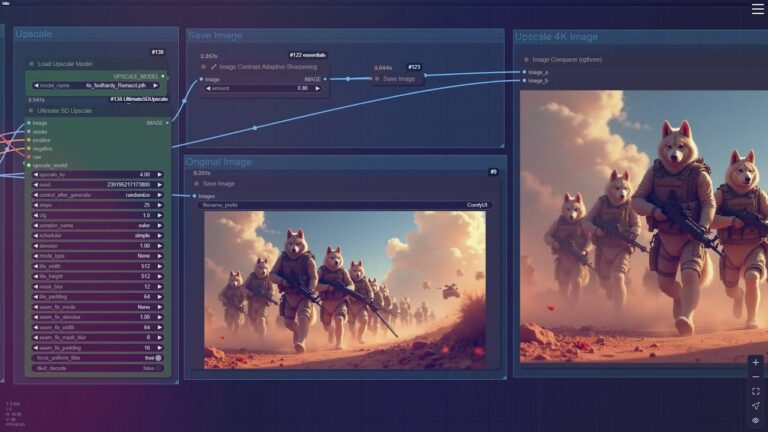
This FLUX Batch Upscaler Workflow is built to upscale large volumes of images into clean, sharp high-resolution outputs — automatically.
Download Now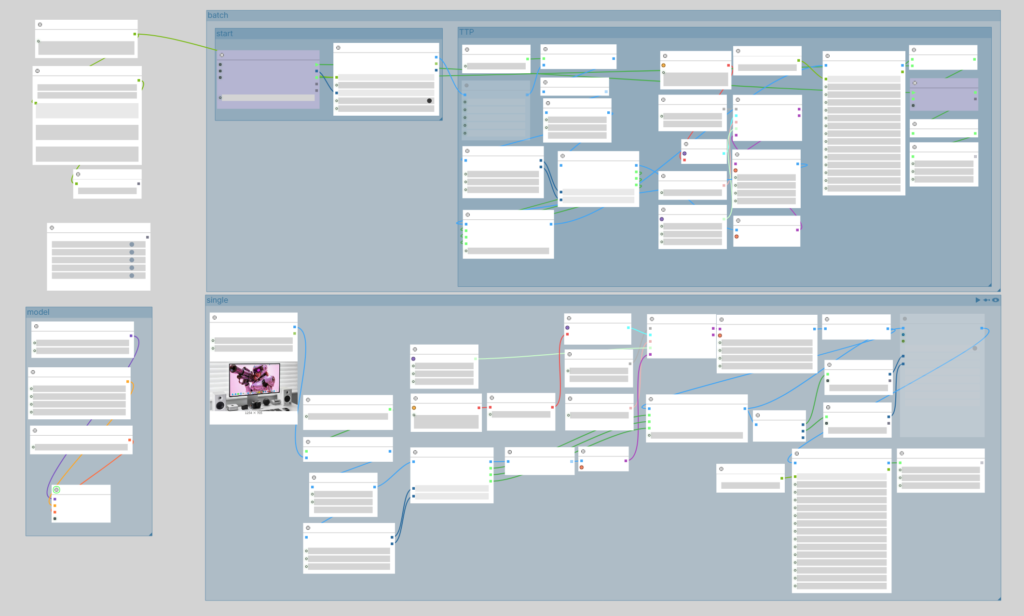
What This Workflow Actually Solves
Most upscaling tools fail at scale.
This workflow is designed for:
- Batch processing dozens or hundreds of images
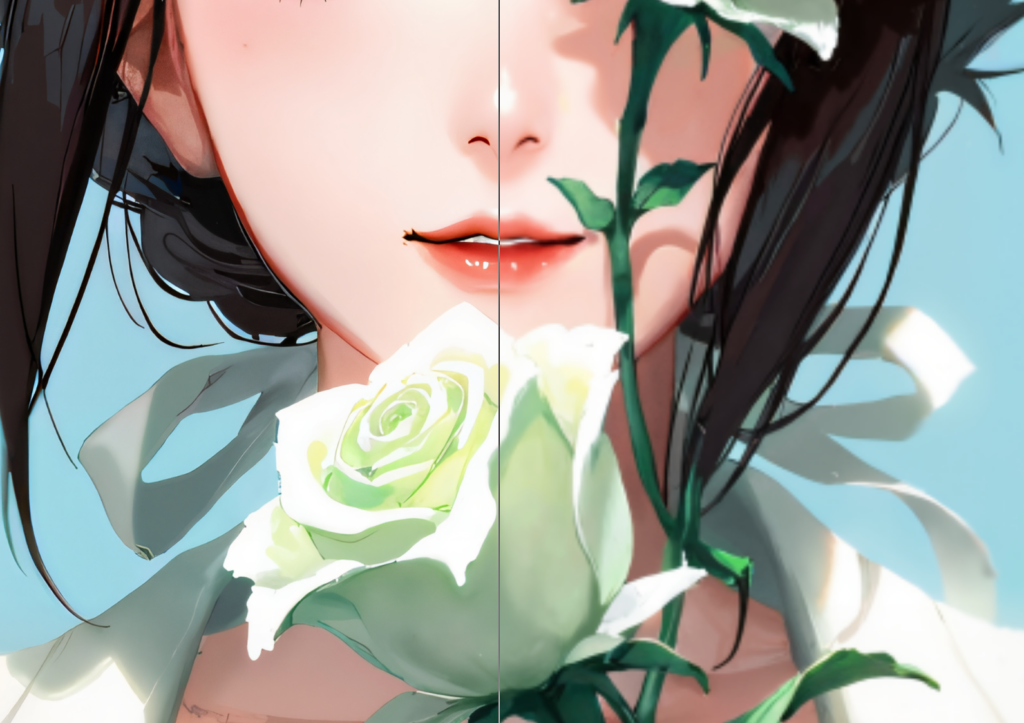
- Maintaining sharp edges and fine details
- Avoiding tiling seams and blur artifacts
- Automating repetitive upscale tasks
You’re not clicking buttons anymore.
You’re running a system.
Key Capabilities
✔ FLUX-based detail-preserving upscale
✔ Tiling optimization for large images
✔ Stable batch processing pipeline
✔ Multi-step enhancement for clean output
✔ Fully automated output saving
Built for creators who care about quality + speed
Real Use Cases
This workflow is ideal for:
- Wallpaper creators (phone + desktop packs)
- Etsy / Payhip digital product sellers
- AI artists generating large batches
- Pinterest content creators
- Anyone scaling image production
What You Get
- FLUX Batch Upscaler Workflow (.json)
- Pre-configured node structure
- Optimized upscale settings
- Ready-to-run batch pipeline
⚠️ Note: FLUX model and base images are not included.
If you’re still upscaling images one by one,
you’re not building a workflow —
you’re doing manual labor.
This replaces that completely.
Download NowHow It Works
- Load workflow into ComfyUI
- Drop in your images
- Adjust batch size if needed
- Run → auto upscale → auto save
That’s it.
Whether you’re scaling a wallpaper business or producing content daily,
this workflow saves you hours — every single time.
👉 [Get the FLUX Batch Upscaler Workflow]
Download Now