ComfyUI latest updates continue to push the boundaries of modular AI workflows in 2026. From core performance optimizations to seamless integration of powerful new models like HappyHorse 1.0, today’s ComfyUI news delivers practical enhancements for creators working with image, video, and segmentation pipelines. Whether you’re hunting for ComfyUI new features, ComfyUI custom nodes improvements, or the freshest ComfyUI updates 2026, this professional roundup sorts the highest-impact developments from the past 12 hours by importance—focusing on real workflow gains for professional users.
While no major version releases dropped in the exact window, active GitHub commits, fresh community tutorials, and buzz around recent model supports (including Kling 4K optimizations) show ComfyUI’s momentum remains strong.
1. Core Performance Upgrades: Dynamic VRAM, Cache-RAM, and PNG Handling (Highest Impact)
Recent commits to the official Comfy-Org/ComfyUI repository introduce game-changing memory management features that directly address VRAM constraints on consumer GPUs.
Key changes and new features:
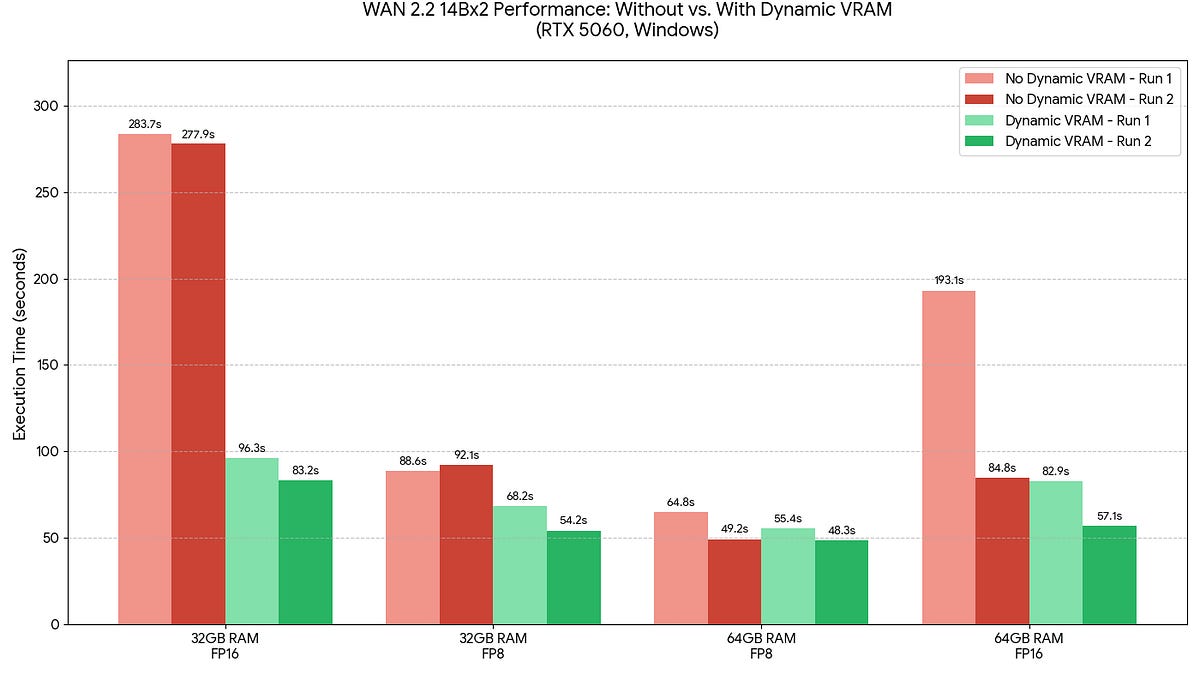
- Dynamic VRAM support + –cache-ram 2 flag for smarter memory allocation, dramatically reducing execution times on mid-range systems (e.g., 32GB/64GB RAM setups with FP16/FP8 precision).
- Improved pyav loading code to properly handle tRNS PNG transparency.
- Additional stability fixes for device mismatches in SolidMask and MaskComposite nodes under –gpu-only mode.
These ComfyUI new features mean faster iteration on large workflows without out-of-memory crashes—critical for video generation and batch processing. Early benchmarks show up to 3x speed improvements on WAN 2.2 models.
Sources: Comfy-Org/ComfyUI GitHub Commits & Repo Overview | Dynamic VRAM Announcement Context
2. HappyHorse 1.0 Now Live: Cinematic Video Generation & Flexible Editing Workflows
One of the biggest ComfyUI updates buzzing in the past 24-48 hours (with fresh X discussions today) is full native support for Alibaba’s HappyHorse 1.0 model. This marks a major leap for high-quality storytelling video inside ComfyUI.
Key changes and new features:
- Multi-modal paths: Text-to-Video (T2V), Image-to-Video (I2V), and Subject-to-Video (S2V).
- Cinematic output: 1080p multi-shot videos up to 15 seconds with consistent cut transitions, wide-aperture framing, shallow depth of field, and atmospheric mood.
- Advanced editing: V2V and SV2V workflows for subject swaps, motion-preserving transformations, and lip-sync/ambience audio-visual alignment.
- Direct access via ComfyUI Template Library or Comfy Cloud—no extra custom nodes required.
Creators are already praising its production-ready quality for ads, e-commerce, and short-form social content.


Sources: Official Blog: HappyHorse 1.0 is Now Available in ComfyUI | X Community Mentions
3. SAM 3.1 Mastery: Precision Object Tracking Tutorials Explode on X
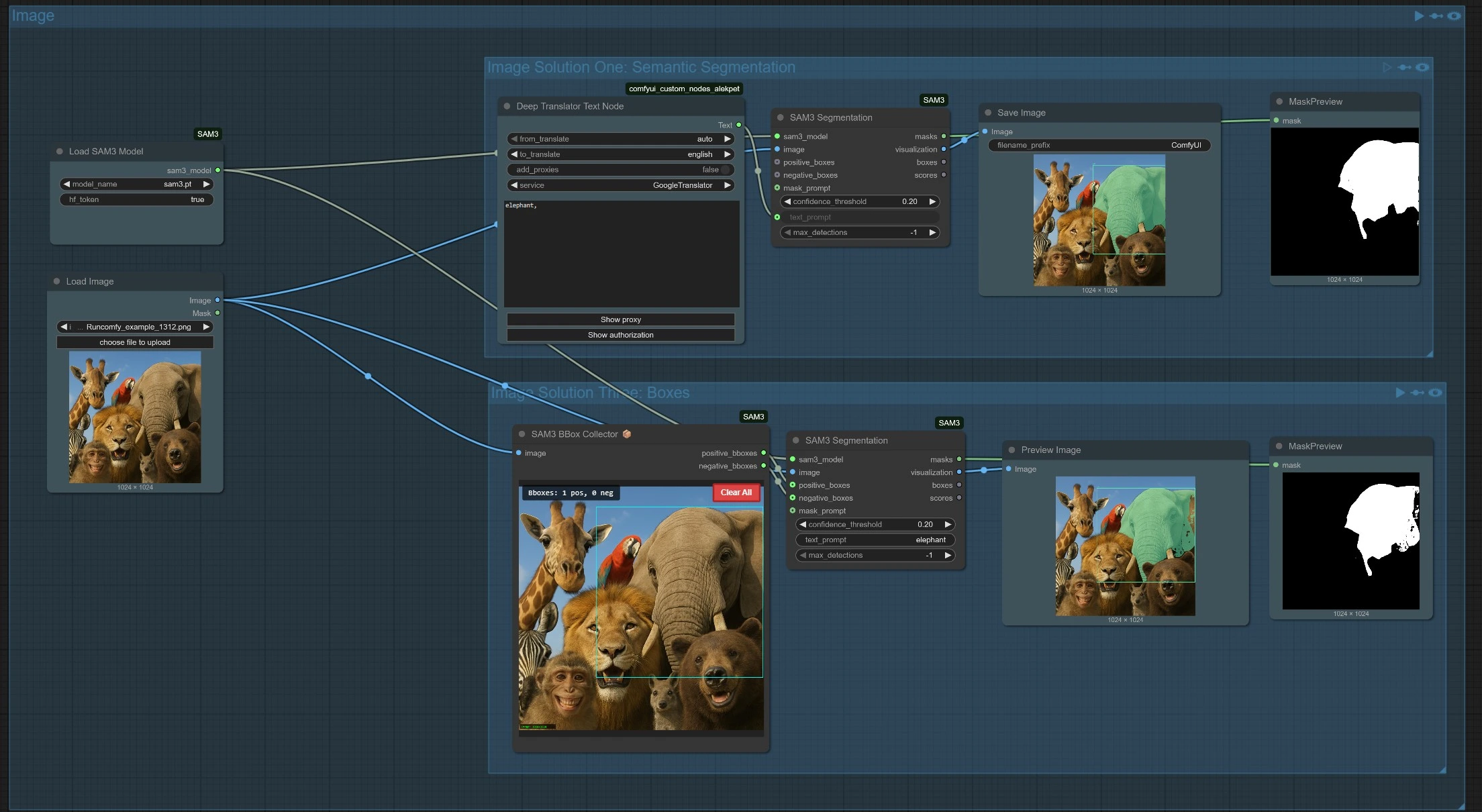
Community excitement around SAM (Segment Anything) 3.1—added in the recent v0.20.1 core release—reached new heights today with detailed X tutorials on ComfyUI’s new Sam3 Detect & Video Track nodes.
Key changes and new features:
- Precision locators (e.g., “left male and right male”) for accurate multi-object detection.
- Two-stage routing: Detection → Tracking with high-confidence filtering using Object #0.
- Built-in video tracking nodes eliminate messy masks and glitching in dynamic scenes.
These ComfyUI custom nodes workflows are perfect for advanced video pipelines and object-aware editing.
Sources: X Tutorial Thread by @sunbaolong_2001 | Comfy-Org/ComfyUI Releases
4. BiRefNet Native Support: Lightning-Fast Background Removal & Object Segmentation
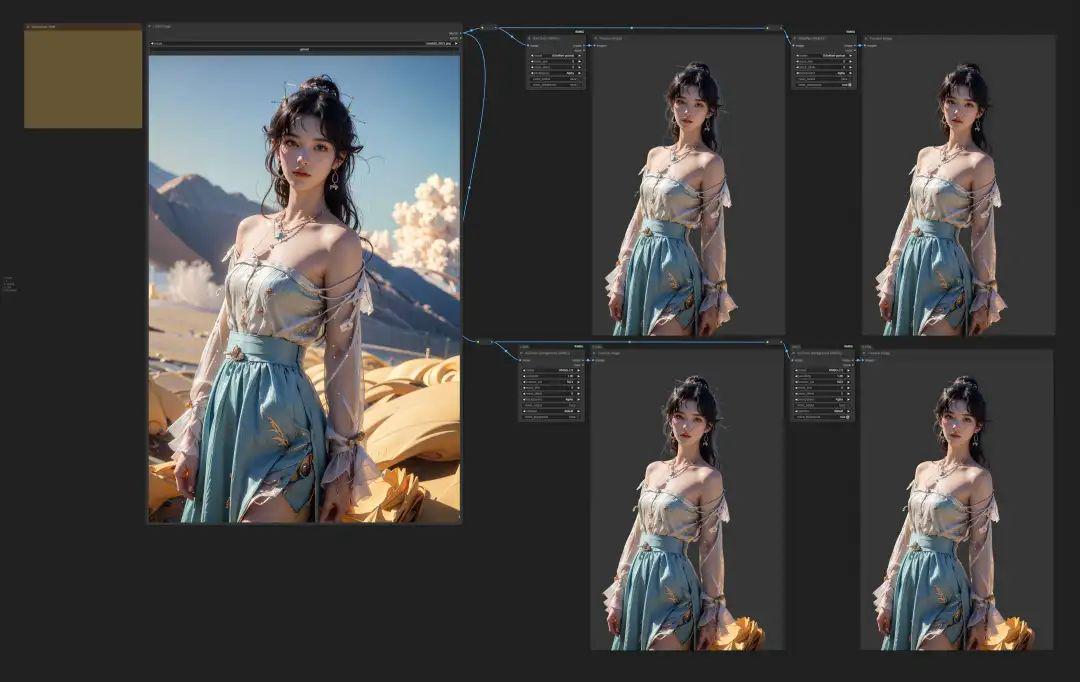
Fresh X posts from April 28 highlight ComfyUI’s new native BiRefNet integration for instant, accurate background removal—repurposed model files now available directly from the official Hugging Face org.
Key changes and new features:
- One-click object segmentation with superior edge accuracy.
- Zero extra custom nodes needed for most workflows.
- Perfect companion for video editing and product photography pipelines.
Users report it outperforms previous solutions in speed and quality.
Sources: X Announcement by @wildmindai | Comfy-Org/BiRefNet on Hugging Face
5. Partner Nodes & Model Ecosystem: Kling 4K, Veo, LTX, and More
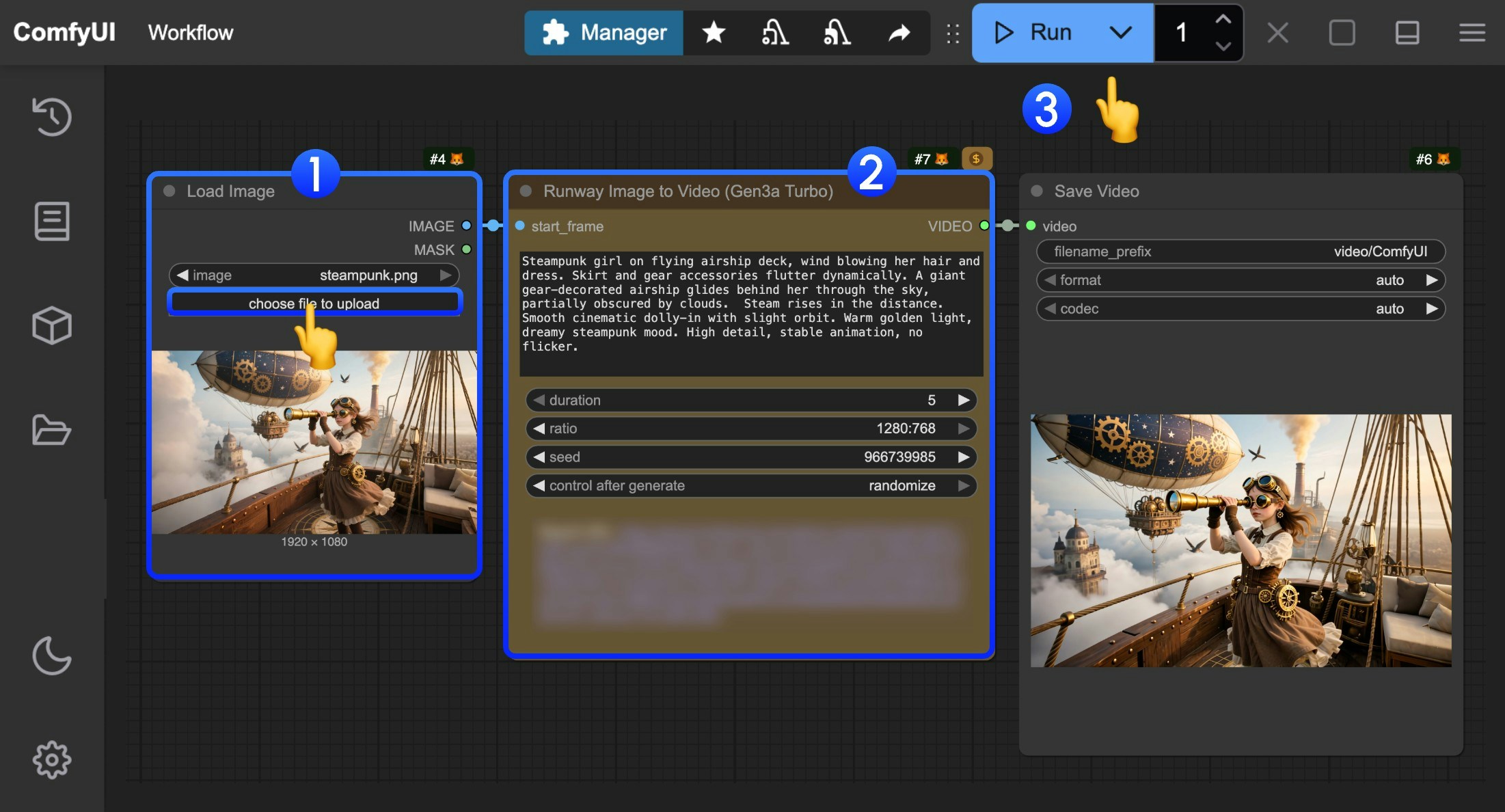
Ongoing partner node enhancements (from v0.20.1) continue to shine in community workflows, with 4K resolution support for Kling nodes and improved Veo 3 Lite integration.
Key changes and new features:
- Kling 4K video generation now fully optimized.
- LTXV audio VAE and reference audio fixes for better multimodal output.
- SUPIR, RIFE/FILM frame interpolation, and SAM 3.1 all stabilized.
These ComfyUI updates make professional video pipelines more accessible than ever.
Sources: Comfy-Org/ComfyUI Releases v0.20.1 | Partner Nodes Documentation
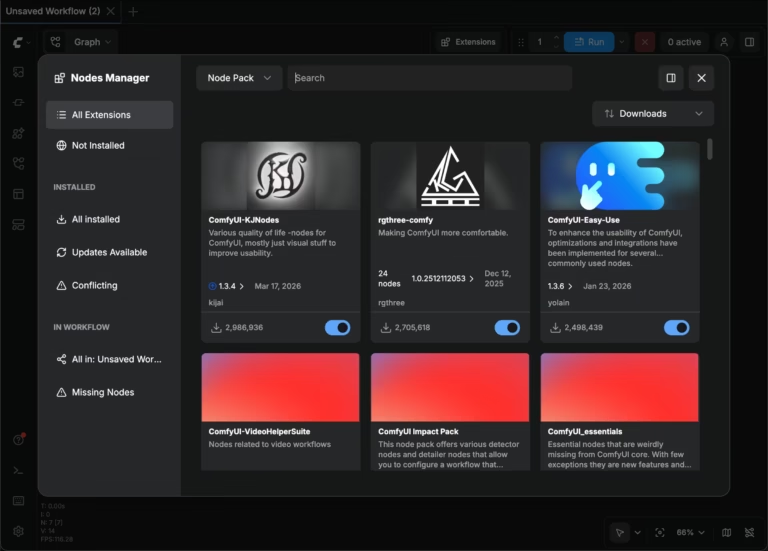
ComfyUI Manager and custom node ecosystem saw no new releases in the past 12 hours, but existing tools remain stable with the latest DB updates.
Stay tuned—ComfyUI’s modular architecture ensures rapid iteration. For the absolute latest ComfyUI latest updates, ComfyUI news, and ComfyUI new features, bookmark this space and follow official channels.