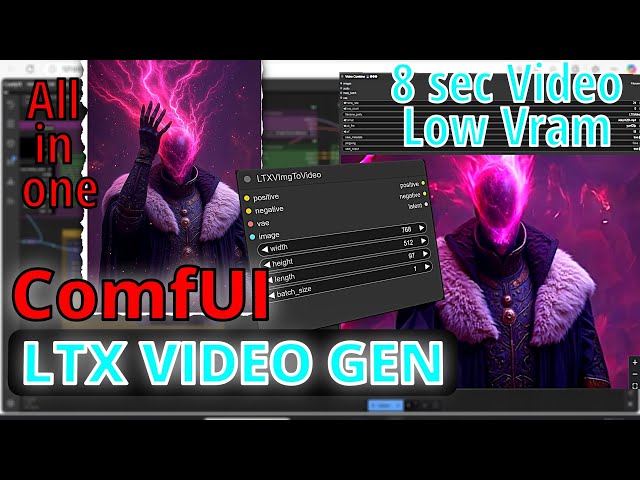
ComfyUI Tutorial: Creating Video From Images or Text #comfyui #flux #ltxv – YouTube
ComfyUI workflow update showing LTX video generation pipeline with integrated Flux conditioning and low VRAM optimizations for consumer GPUs.
In the past 48 hours, ComfyUI pushed v0.21.0, bringing targeted improvements to video loading, memory management, and model handling. These changes address real bottlenecks in multi-modal and long-context video pipelines rather than broad overhauls. The ecosystem continues shifting toward stable, lower-VRAM video generation while maintaining Flux and partner node integrations.
Users running complex LTX, CogVideoX, or Flux-hybrid workflows will notice the most immediate operational shifts. The core team prioritized execution reliability and peak memory reduction, reflecting growing demand for practical local video production on mid-range hardware.
Major Updates in ComfyUI May 2026
Video Loader Enhancements and PyAV Migration
What changed internally: The video loader node now reads audio and video streams simultaneously via improved PyAV handling. It better manages metadata rotation, tRNS PNGs, higher bit-depth videos, and alpha channels. Peak memory for 8-bit formats dropped noticeably.
What problem does this solve? Previous loaders caused desyncs or excessive RAM spikes when processing mixed-media inputs, especially in automated batch video workflows or audio-synced generations.
Who should care? Anyone building LTX, Wan, or CogVideoX pipelines with reference audio, multi-clip editing, or frame interpolation.
Workflow impact: Video-to-video or image-to-video chains load faster with fewer out-of-memory interruptions. You can now chain audio VAEs more reliably without separate preprocessing steps. Long-context auto-regressive video generation benefits from cleaner frame ingestion.
Technical explanation: Switching more image/video paths to PyAV (with proper tRNS and rotation support) reduces temporary allocations compared to Pillow fallbacks. Dynamic VRAM + cache-RAM options now interact better with these loaders.
Risk / limitation / compatibility issue: Older custom nodes relying on Pillow-specific behavior for masks or metadata may need updates. Alpha channel support is new, so test transparency workflows.
Actionable tip: Enable –cache-ram 2 or dynamic VRAM flags and test your video loader node with mixed audio/video files. Expect 10-20% lower peak VRAM on 10+ second clips.
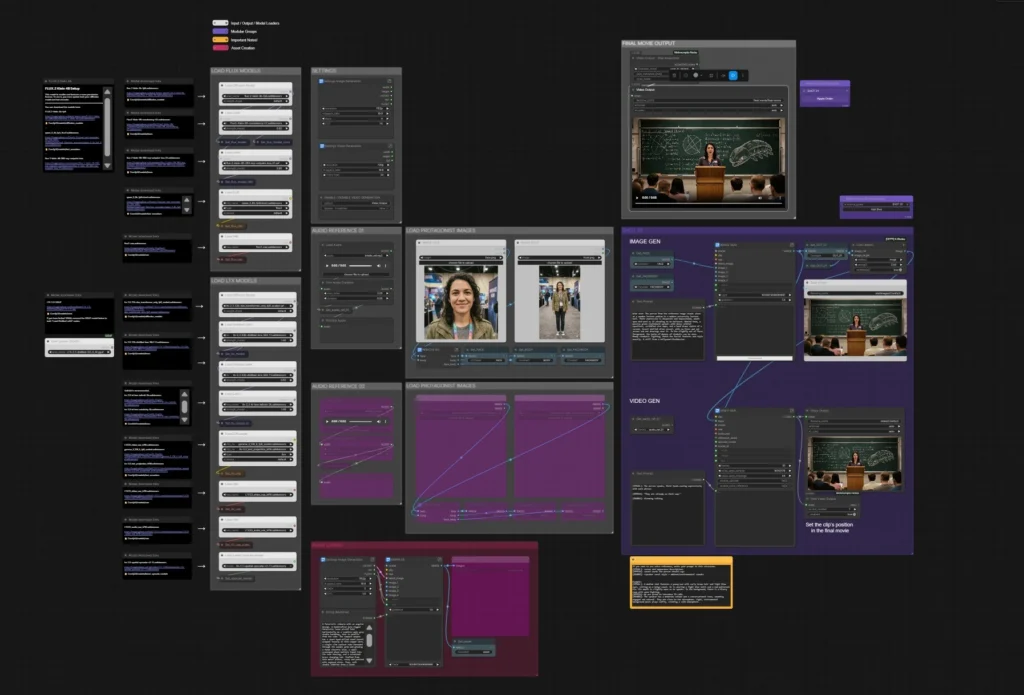
LTX 2.3 Movie Builder Workflow in ComfyUI | Multi-Scene AI Filmmaking
ComfyUI LTX movie builder workflow – complex multi-scene video pipeline now more stable with v0.21.0 loader improvements.
VRAM and Performance Optimizations (Dynamic VRAM, Tiny VAE, Block Prefetch)
What changed internally: Reduced peak VRAM and decode time for video tiny VAEs. Block prefetch + LoRA async load adopted in LTX paths. Dynamic VRAM + cache-RAM combinations refined. Model patcher fixes for FP8 safetensors saving.
What problem does this solve? High peak memory during VAE decode/encode phases and model switching in video workflows, especially on 12-24GB GPUs.
Who should care? Users with RTX 40-series or lower running Flux + video hybrids, or long LTX sequences.
Workflow impact: Previously marginal 10-30 second video gens on 16-24GB cards become reliable. In-place processing and prefetch reduce swapping, making batch or queue workflows smoother. FP8/FP16 Flux handling improves without CPU fallback crashes.
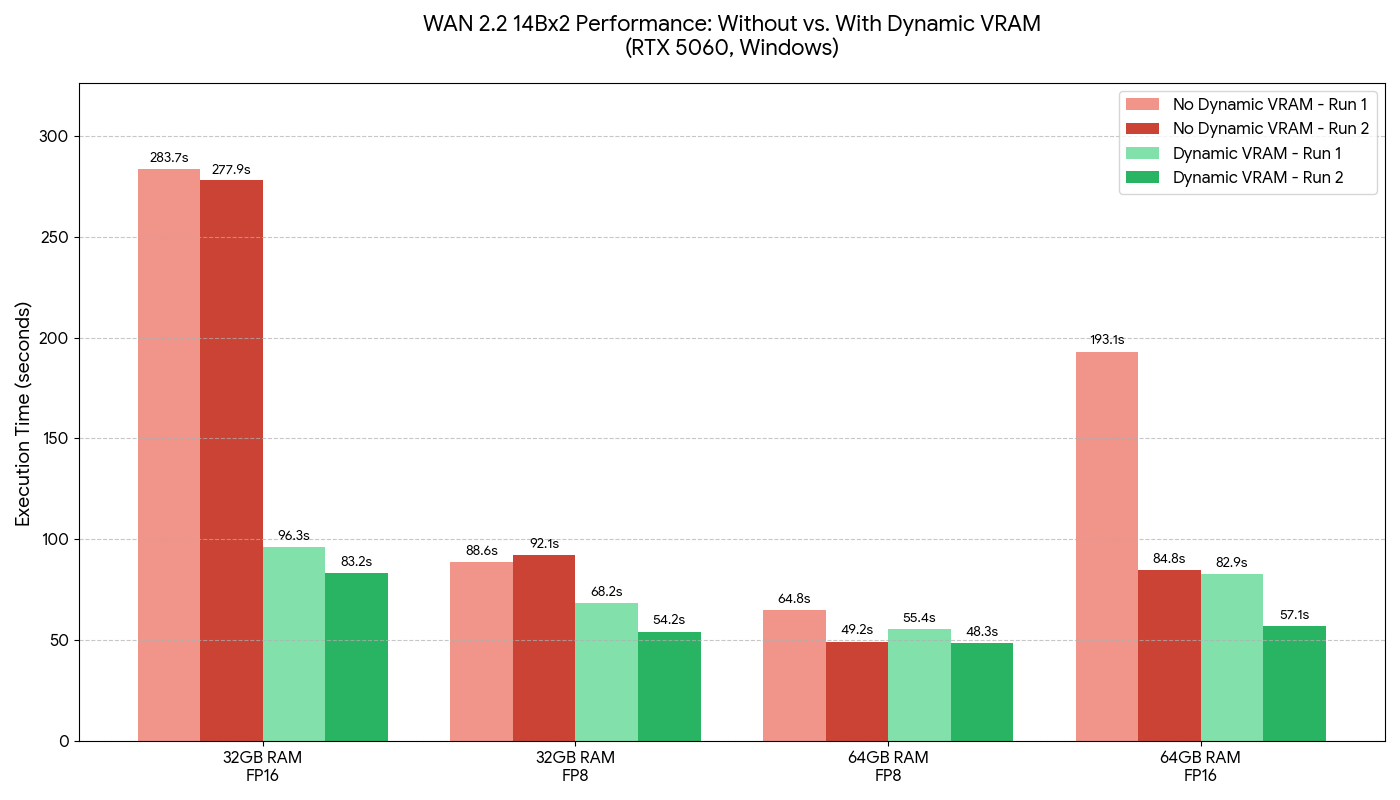
Dynamic VRAM in ComfyUI: Saving Local Models from RAMmageddon
VRAM performance comparison chart demonstrating Dynamic VRAM gains in WAN/LTX-style workloads (example from similar optimizations).
Technical explanation: Tiny VAE decode now uses lower temporary buffers. Block prefetch anticipates weight loads; async LoRA reduces stalls. FP8 safetensors fix prevents save-time corruption in quantized pipelines.
Risk / limitation / compatibility issue: AMD users or older Intel setups may see uneven gains. Some partner nodes still need alignment with new prefetch logic.
Actionable tip: Launch with –dynamic-vram (or the new AMD portable script) and monitor VRAM with tools like nvidia-smi. Test a long LTX workflow before/after—expect noticeable decode speedups and lower OOM risk.
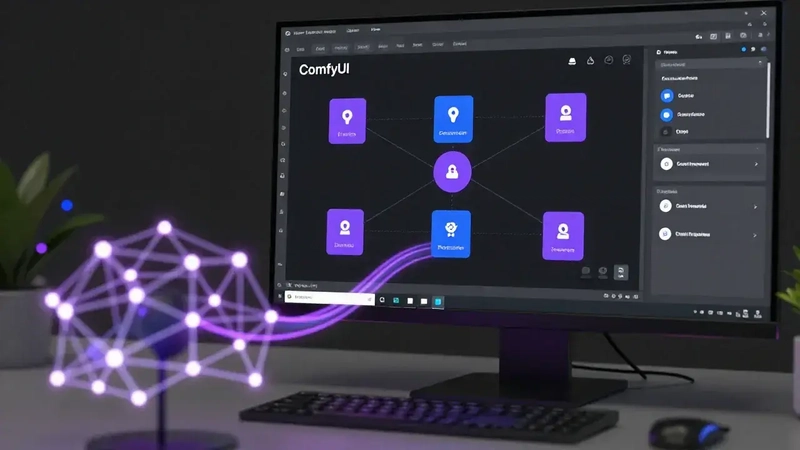
How to Configure LTX-2 in ComfyUI: Complete 2026 Guide for AI Video Generation – DEV Community
ComfyUI interface with nodes loaded for video generation setup.
Partner Nodes, CogVideoX, and Model Support Expansions
What changed internally: Native CogVideoX integration, high-quality Flux2 latent previews, Gemma4 text gen, ERNIE LoRA, various partner API nodes (ByteDance, GPTImage2 resolutions, etc.), and workflow template updates.
What problem does this solve? Fragmented support for newer video and multi-modal models, plus cumbersome custom resolutions in API-driven workflows.
Who should care? Advanced users combining Flux conditioning with video, or leveraging partner APIs for hybrid local/cloud pipelines.
Workflow impact: End-to-end Flux-to-video or text-to-3D-to-video chains are more portable. High-quality latent previews speed up iteration in complex graphs.
Technical explanation: CogVideoX added as first-class support. Flux2 latent previews use better decoding. Context window and causal fixes improve blending in autoregressive video.
Risk / limitation / compatibility issue: Rapid partner node additions can introduce temporary price badge or resolution mismatches. Test workflows after Manager DB updates.
Actionable tip: Update workflow templates via Manager and test CogVideoX or Flux2 preview nodes in a simple chain. Use DynamicCombo/Autogrow in new partner nodes for flexible resolutions.
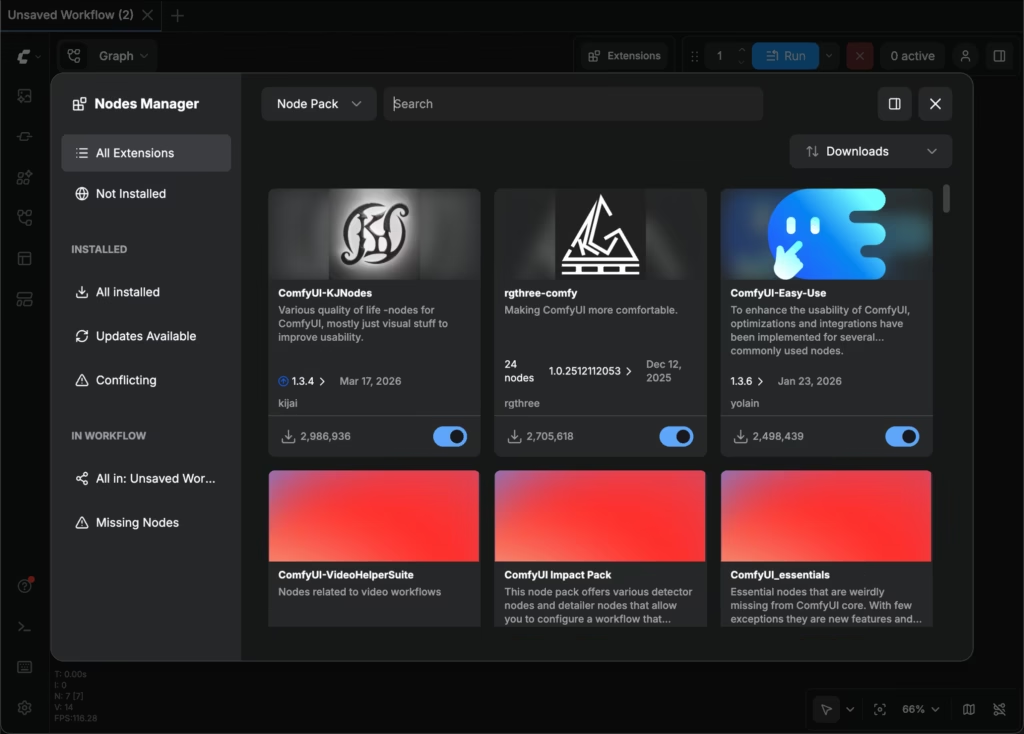
Overview – ComfyUI
ComfyUI Manager interface – updated DB and node management for v0.21.0 ecosystem.
ComfyUI Manager and Ecosystem Stability Tweaks
Recent Manager commits refined custom node lists and security. Core stability fixes (device mismatches, meta-tensors) reduce post-update breakage.
Workflow impact: Fewer “missing nodes” or conflicting extension issues after updates. Better for team/shared environment portability.
Practical Takeaways for Users – ComfyUI May 2026
- Update now if: You run video workflows (LTX/CogVideoX), use Flux heavily, or hit VRAM walls. v0.21.0 is a strong incremental step.
- What to test first: Video loader with audio, a full LTX pipeline under dynamic VRAM, and FP8 Flux save/load.
- What to avoid: Blind updates on production shared servers without snapshots. Some older custom nodes may lag.
- Still unstable: Edge-case AMD GPU regressions (monitor issues) and very large context window video gens on <16GB VRAM.
- Next focus areas: Expect continued video VAE and prefetch refinements as multi-modal workflows dominate.
These changes push the ecosystem toward more reliable consumer-grade video generation without sacrificing the node-graph flexibility that defines ComfyUI.
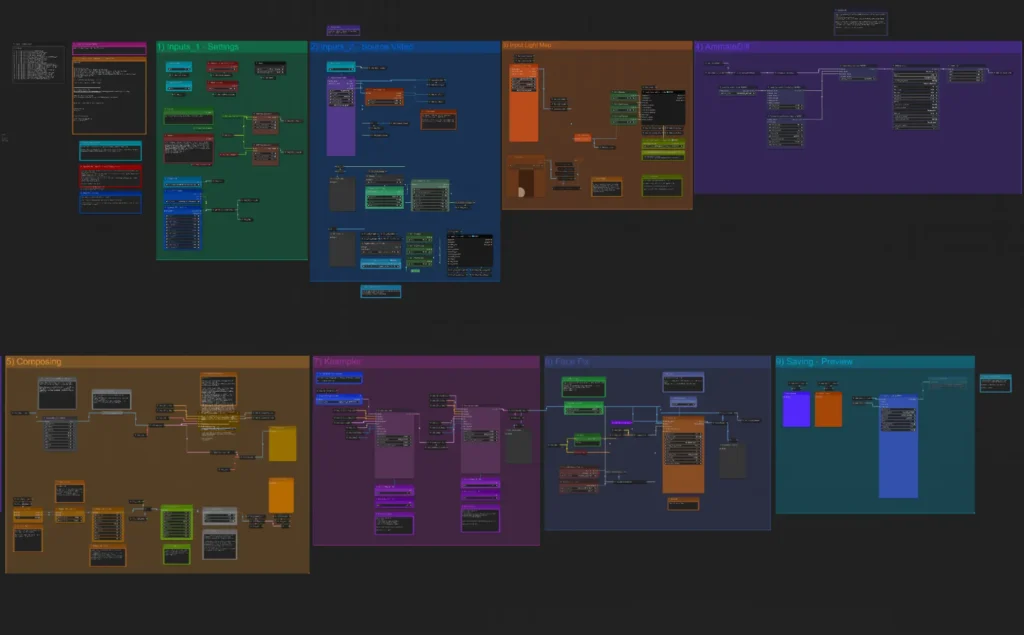
ComfyUI IC-Light Workflow for Video Relighting
Complex ComfyUI video relighting workflow – representative of pipelines benefiting from recent stability and memory gains.
Sources
- Comfy-Org/ComfyUI Releases (v0.21.0)
- Official Changelog & GitHub Commits
- ComfyUI-Manager Recent Activity
Disclaimer The images used in this article are sourced from publicly available channels on the internet. They are used solely for the purposes of news commentary, visual illustration, and explanatory reference, and do not constitute commercial use. The author of this article does not own the copyright to these images and makes no claim to any rights over them. If any copyright issues arise regarding these images, please contact the article’s author, and we will promptly address the matter or remove the relevant content.